
Compresto
5|0 reviews|0 favorites
Introduction
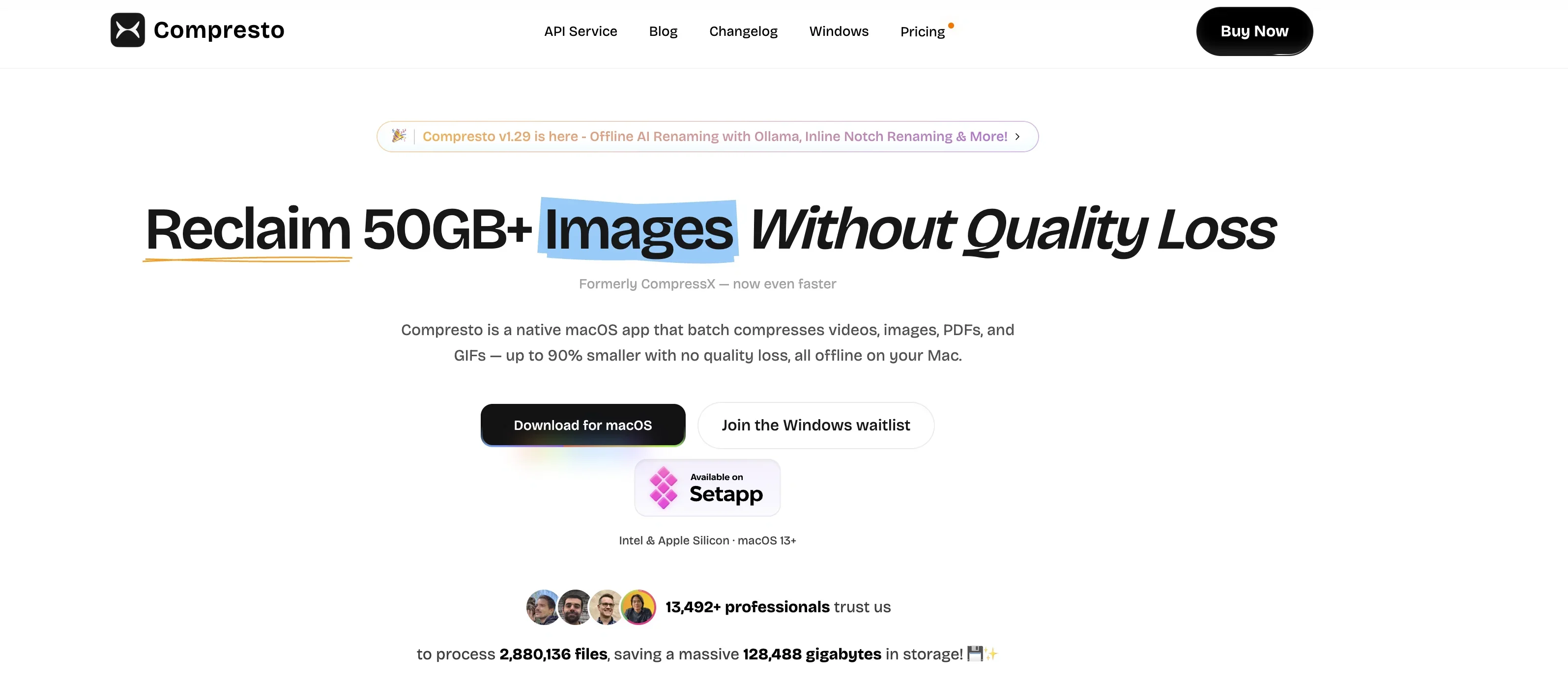
Native macOS app that batch compresses videos, images, PDFs, and GIFs up to 90% smaller with no quality loss, fully offline.
Listed on
September 12, 2026
What is Compresto?
Compresto (formerly CompressX) is a native macOS application for compressing video, image, GIF, and PDF files. It uses hardware-accelerated compression to shrink files by up to 90% while maintaining visual quality, and all processing happens offline on your Mac so files never leave your device. It supports batch processing, folder monitoring, drag-and-drop, and Raycast integration.
How to use Compresto?
- Download Compresto for macOS (Intel & Apple Silicon, macOS 13+) from the website. Install and open the app, then drag and drop files onto the interface or the floating Drop Zone to compress them. You can also set up watched folders for automatic compression, convert videos to GIFs, or trigger compression from Raycast. Choose a one-time purchase plan (Personal $49 or Standard $69) to unlock full features.
Core features of Compresto
- Batch processing of hundreds of files with intelligent queuing
- Multi-format support: video (MP4/MOV), image (JPEG/PNG/WebP), GIF, and PDF
- Up to 90% file size reduction with no visible quality loss
- Offline processing for privacy — files never leave your Mac
- Folder monitoring for automatic compression of new files
- Drag & Drop floating Drop Zone for instant compression
- Video-to-GIF conversion
- Raycast integration for keyboard-driven workflows
User reviews
5.0
/ 50 reviews
5 stars
0
4 stars
0
3 stars
0
2 stars
0
1 stars
0
No reviews yet. Be the first to write one.
Similar products







Compresto Embed
Add a website badge to show your product on Hootool—help others find the right AI tool for their problem. Easy to place on your homepage or footer.