

Nex

Nex

5|0 reviews|0 favorites
Visit website
Introduction
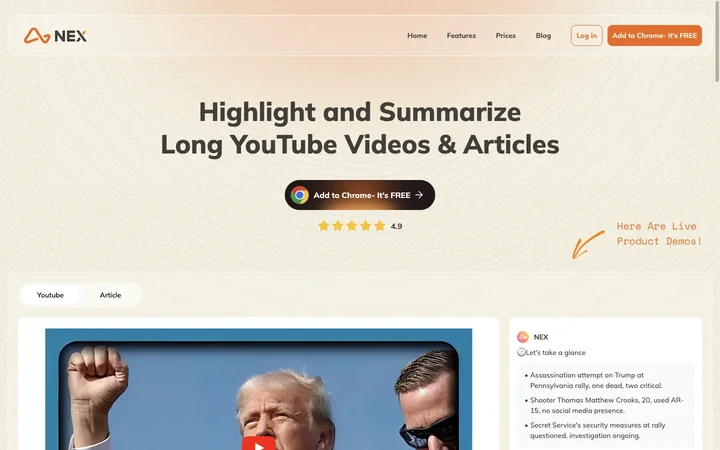
Nex uses AI to analyze YouTube videos and articles to get summaries and highlights in one click.
Listed on
July 23, 2026

What is Nex?

Nex is a Chrome extension designed to quickly get a YouTube or article summary, outline and transcript generated by AI. It leverages advanced capabilities of ChatGPT4 (OpenAI), Claude3 (Anthropic), Mistral AI, and Gemini to summarize and highlight YouTube videos, web articles, and PDFs. Nex is the fastest way to streamline your content consumption, save your time and enhance your learning experience.

How to use Nex?

  • After downloading the Chrome extension, you can pin it to the toolbar for easy access, and also click the Nex icon on the right sidebar to get started. You can then navigate to a YouTube video or article, and Nex will automatically generate summaries, outlines, and highlights. You can also save ideas from content with one click.

Core features of Nex

  • YouTube copilot: AI Takeaway, AI Timeline, Full Transcript
  • Article copilot: AI Takeaway, AI Outline, AI Highlight
  • Idea archive: Save Idea, Share Idea, Save to Nex
  • AI Chat and AI Note
  • PDF Summary & Outline

User reviews

5.0

/ 5

0 reviews

5 stars
0
4 stars
0
3 stars
0
2 stars
0
1 stars
0

No reviews yet. Be the first to write one.

Similar products

Nex Embed

Add a website badge to show your product on Hootool—help others find the right AI tool for their problem. Easy to place on your homepage or footer.


Featured on

Hootool.ai


