
dassi
New
5|0 reviews|0 favorites
Introduction
A browser AI agent that completes recurring web tasks in your own logged-in accounts, on a schedule or on demand.
Listed on
September 24, 2026
What is dassi?
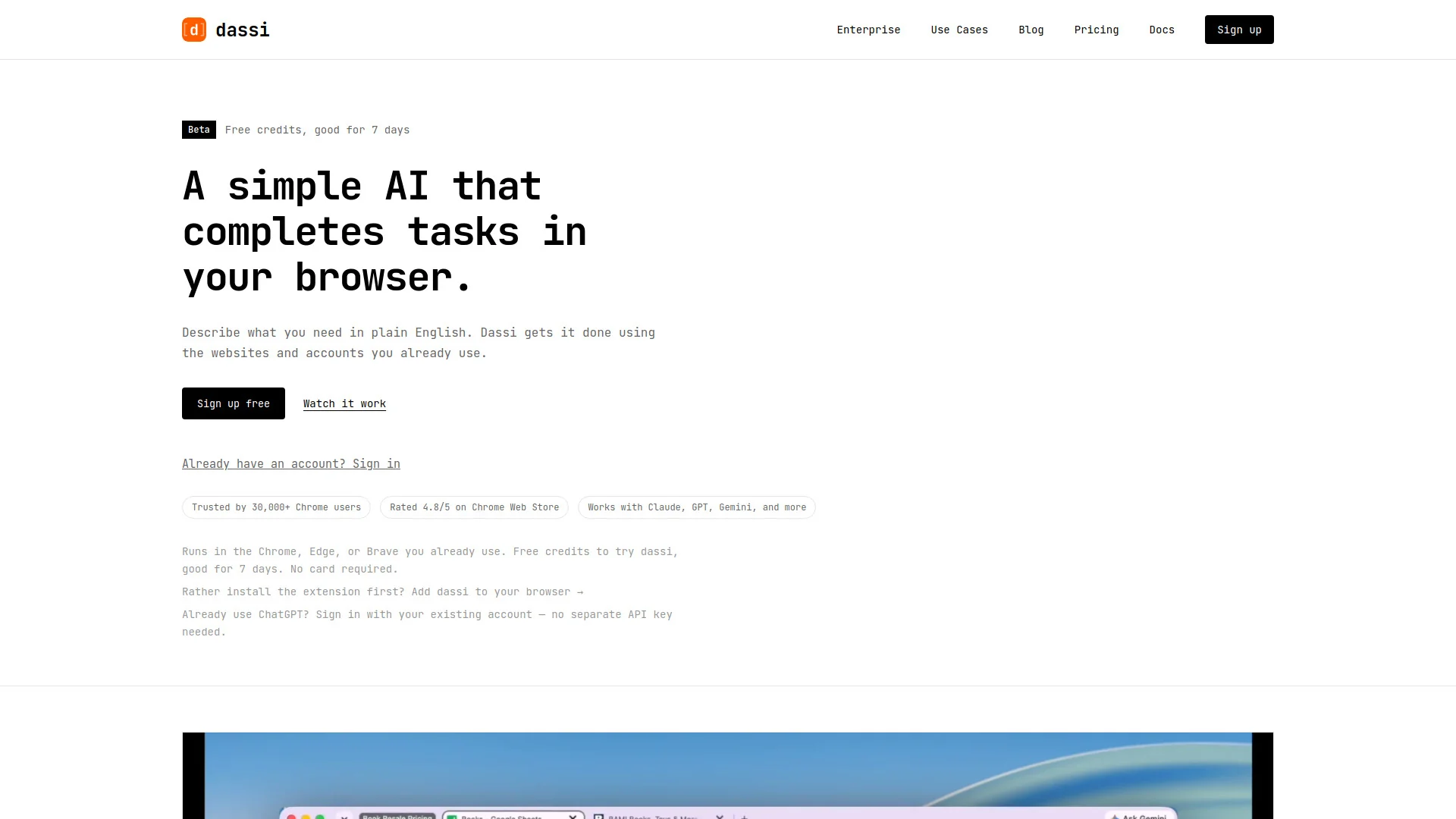
dassi is an AI browser agent that completes tasks inside the websites and accounts you already use. You describe a job in plain English or walk it through once, and it saves that as a reusable workflow. It runs in Chrome, Edge, or Brave with your choice of model (Claude, GPT, Gemini, or a local model), and can run on a schedule or on demand. It is designed for recurring work like reconciling payouts, screening applicants, and building weekly reports.
How to use dassi?
- 1. Install the dassi extension in Chrome, Edge, or Brave (or sign up free with 7 days of credits, no card required). 2. Teach it a job: describe it in plain English, or do it once while dassi watches. 3. Set the rules: choose the sites it uses, what changes each run, when it runs, where results go, and which actions must ask you first. 4. Let it run on demand or on a schedule; it reports when done or when it hits an exception only you can decide. 5. Correct it when needed — corrections go into an editable memory that carries into future runs.
Core features of dassi
- Runs in your existing browser (Chrome, Edge, Brave) on accounts you're already signed in to
- Teach jobs in plain English or by demonstration; saved as reusable workflows
- Scheduled or on-demand runs with run history
- Approval gates for sensitive actions (emails, stage changes, submissions)
- Model choice: Claude, GPT, Gemini, or local models; bring your own API keys
- Editable correction memory so fixes persist across runs
- Context caching and learned per-site skills to cut token costs on repeat work
- dassi CLI and priority support on paid plans
User reviews
5.0
/ 50 reviews
5 stars
0
4 stars
0
3 stars
0
2 stars
0
1 stars
0
No reviews yet. Be the first to write one.
Similar products







dassi Embed
Add a website badge to show your product on Hootool—help others find the right AI tool for their problem. Easy to place on your homepage or footer.