
Clerk.AI
5|0 reviews|0 favorites
Introduction
Clerk.AI is a Mac app that automates bookkeeping prep by pulling bank statements, matching receipts, and preparing clean bundles for your accountant.
Listed on
September 2, 2026
What is Clerk.AI?
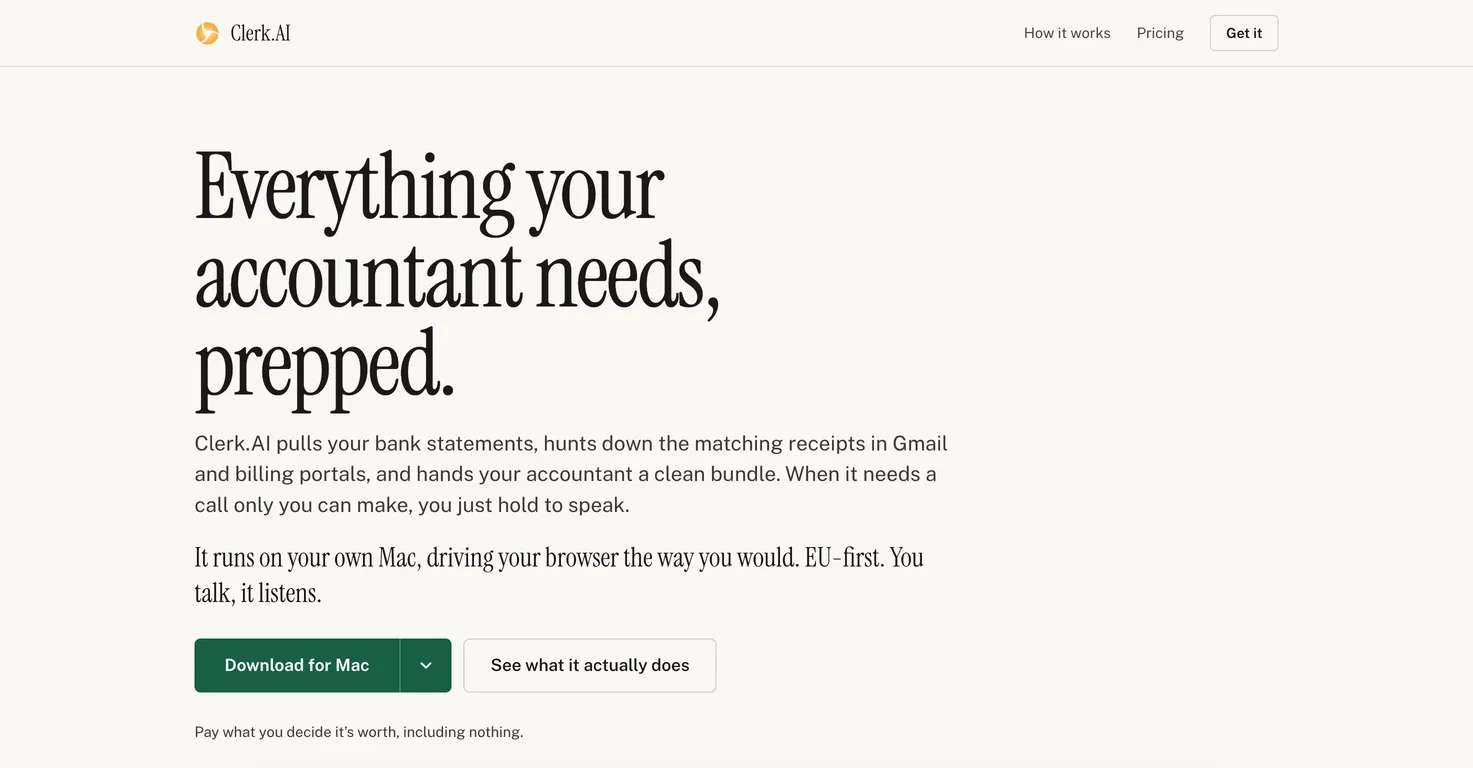
Clerk.AI is a macOS application that automates the routine half of bookkeeping preparation. It signs into your bank accounts, billing portals, and Gmail, then hunts down matching receipts and compiles everything into a clean, organized folder for your accountant. The app runs on your own Mac, driving a real Chrome browser the way you would, and integrates with any website you can reach in a browser—no connectors or data migration needed.
How to use Clerk.AI?
- Download and install Clerk.AI on your Mac (macOS 14+). On first launch, it installs Claude Code and sets up a dedicated Chrome profile. You log into your bank, card, and billing portals in that browser once. Then, describe your business and what you send your accountant in a sentence. Clerk.AI will start a period, automatically log in, download statements, match receipts, and draft an email to your accountant. You approve logins and answer a few questions by voice or text, and the app handles the rest. You can adjust your payment amount anytime from your account page.
Core features of Clerk.AI
- Automated bank statement and receipt collection from browsers
- Receipt matching and file naming according to accountant preferences
- Voice interaction for approvals and questions
- Multi-language email drafting (Finnish, Swedish, English, German, French, Spanish, Estonian, Esperanto, Pirate)
- Works with any website via a dedicated Chrome profile
- Background processing over days with pause/resume
- Free tier with optional paid support tiers
User reviews
5.0
/ 50 reviews
5 stars
0
4 stars
0
3 stars
0
2 stars
0
1 stars
0
No reviews yet. Be the first to write one.
Similar products



Clerk.AI Embed
Add a website badge to show your product on Hootool—help others find the right AI tool for their problem. Easy to place on your homepage or footer.