
ButterKit
5|0 reviews|0 favorites
Introduction
Native macOS studio to capture, design, translate, and upload App Store screenshots and metadata.
Listed on
September 15, 2026
What is ButterKit?
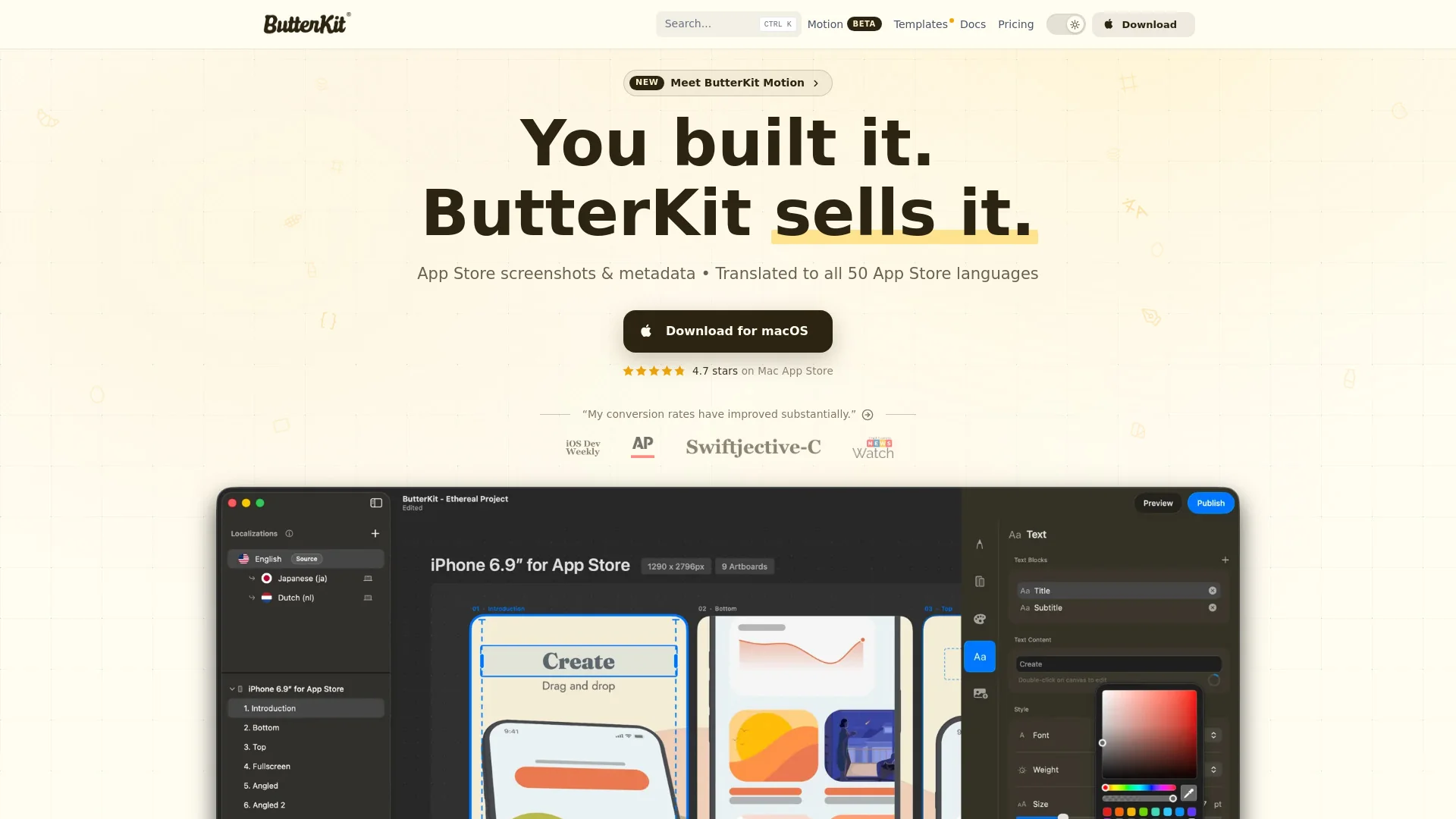
ButterKit is a native macOS app that serves as an App Store screenshot studio. It lets developers capture screenshots directly from the Xcode Simulator or import from folders/Fastlane, place them in photorealistic 3D device frames, auto-translate them into all 50 App Store languages, and bulk-export or upload directly to App Store Connect. It also supports AI/MCP automation and includes pro design tools and templates.
How to use ButterKit?
- Download ButterKit for macOS and open it. Capture screenshots directly from the Xcode Simulator or drag and drop PNG/JPG images, or link a folder (e.g. Fastlane). Place images into 3D device frames and style them with templates, fonts, gradients, and backgrounds. Auto-translate screenshots and metadata into App Store languages, then batch export or upload directly to App Store Connect. Optionally connect AI agents via MCP for automation.
Core features of ButterKit
- Capture screenshots directly from Xcode Simulator
- Drag-and-drop or link folders (e.g. Fastlane) for image import
- Photorealistic 3D device frames with Metal-powered editing up to 120fps
- Auto-translate screenshots and metadata to all 50 App Store languages
- Pro design tools: fonts, gradients, backgrounds, templates, and community marketplace
- One-click batch export and upload to App Store Connect
- AI/MCP automation support for agents like Cursor, Claude, and OpenAI Codex
- App Store preview across devices and languages
User reviews
5.0
/ 50 reviews
5 stars
0
4 stars
0
3 stars
0
2 stars
0
1 stars
0
No reviews yet. Be the first to write one.
Similar products





ButterKit Embed
Add a website badge to show your product on Hootool—help others find the right AI tool for their problem. Easy to place on your homepage or footer.