

EmailWhiz for Gmail™

EmailWhiz for Gmail™

5|0 reviews|0 favorites
Visit website
Introduction
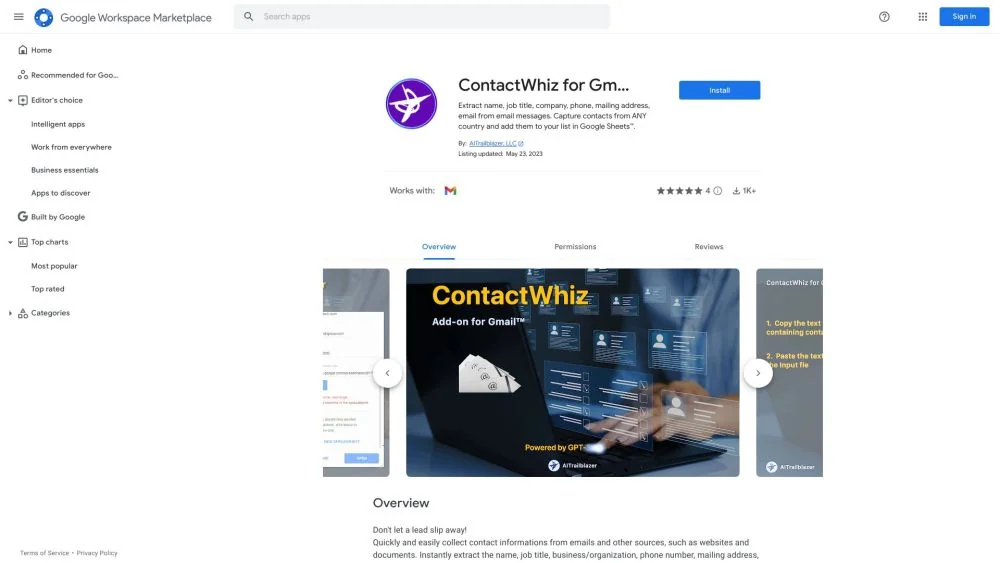
EmailWhiz for Gmail™ is a Gmail add-on that speeds up email replies, extracts contact information, creates follow-up tasks, and saves key details.
Listed on
July 23, 2026

What is EmailWhiz for Gmail™?

EmailWhiz for Gmail™ is a Gmail add-on that uses Google Vertex AI PaLM technology to help users handle emails efficiently. It can summarize lengthy emails into key points, provide reply suggestions, automatically create follow-up tasks, and extract contact information from emails. This add-on aims to reduce email processing time and improve work efficiency.

How to use EmailWhiz for Gmail™?

  • 1. Open an email in your subscribed Gmail account. 2. Click the EmailWhiz icon in the right sidebar to access the add-on. 3. The email summary, suggested replies, and follow-up task fields will be automatically populated; you can edit them or save them to Google Sheets. 4. To extract contact information, copy the text from the email body and paste it into the input box, click the 'Extract Contact Information' button, and then save it to the spreadsheet.

Core features of EmailWhiz for Gmail™

  • Summarize emails into key points (topics, requests, decisions, etc.)
  • Provide reply suggestions based on email context
  • Automatically create follow-up tasks
  • Extract contact information from emails (name, title, organization, address, phone, etc.)
  • Save key details (names, dates, decisions, action items, etc.)
  • Support contact data from 195 countries

User reviews

5.0

/ 5

0 reviews

5 stars
0
4 stars
0
3 stars
0
2 stars
0
1 stars
0

No reviews yet. Be the first to write one.

Similar products

EmailWhiz for Gmail™ Embed

Add a website badge to show your product on Hootool—help others find the right AI tool for their problem. Easy to place on your homepage or footer.


Featured on

Hootool.ai