
TraeWork
5|0 reviews|0 favorites
Introduction
TRAE is an AI-powered IDE that collaborates with you to maximize coding performance and efficiency.
Listed on
August 27, 2026
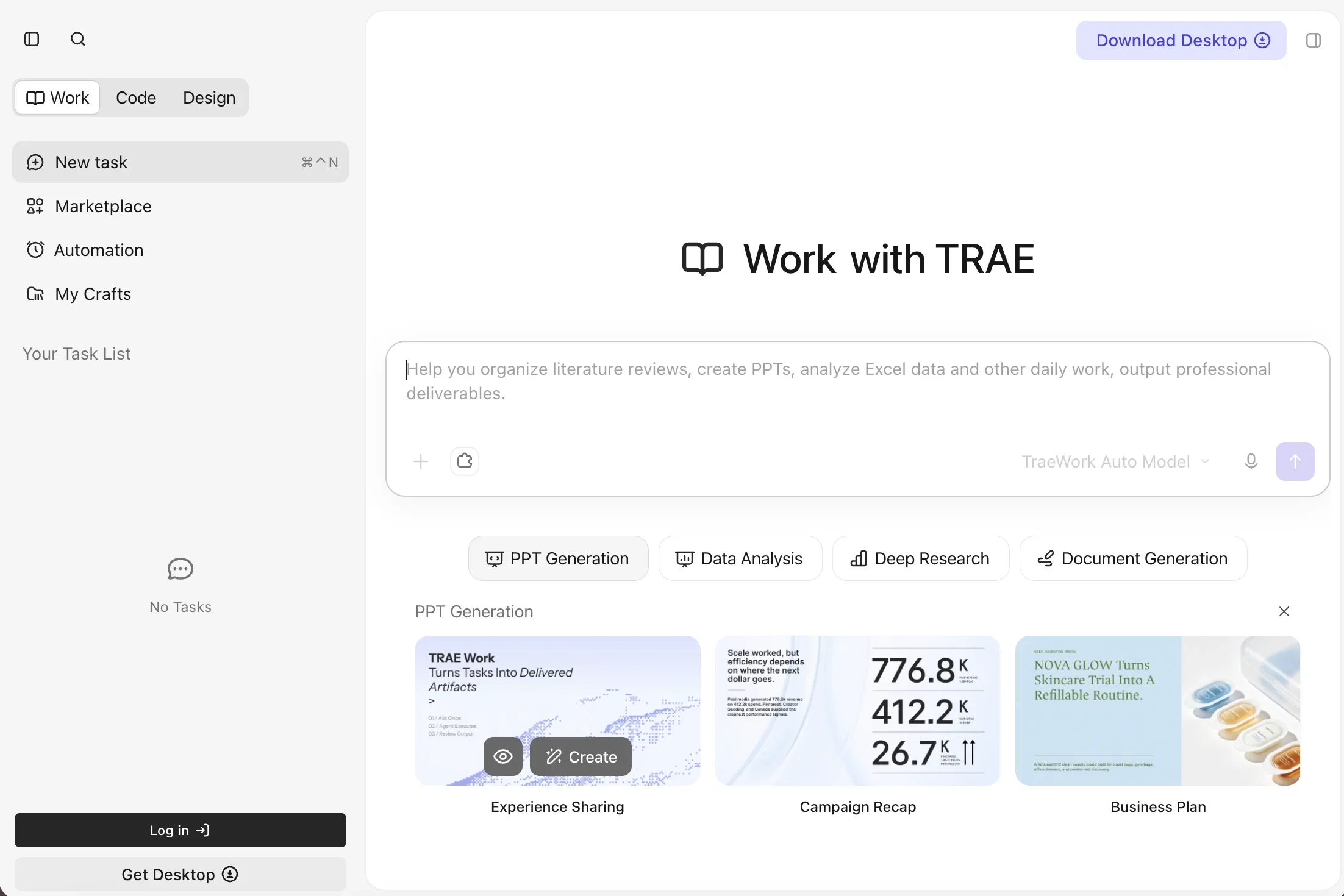
What is TraeWork?
TRAE is an AI-integrated development environment (IDE) that embeds intelligent assistance directly into your coding workflow. It supports multimodal inputs, automatic code generation, and context-aware collaboration to help developers work faster and more accurately. The platform also includes TraeWork, a feature for handling daily tasks like literature reviews, PPT creation, and Excel data analysis.
How to use TraeWork?
- Download the desktop application from the TRAE website and install it on your computer. Once installed, open the IDE and start a new coding project or task. Use the built-in AI assistant to autocomplete code, attach files and images, apply themes, and connect integrations. Sign in to unlock additional features such as custom themes and integration connections.
Core features of TraeWork
- AI-powered code autocomplete and generation
- Multimodal input support (files, images)
- Context-aware collaboration with the AI assistant
- TraeWork for daily tasks (literature reviews, PPTs, Excel analysis)
- Marketplace for extensions and automation
- Desktop application for Windows/macOS
- Integration with external tools and services
User reviews
5.0
/ 50 reviews
5 stars
0
4 stars
0
3 stars
0
2 stars
0
1 stars
0
No reviews yet. Be the first to write one.
Similar products




TraeWork Embed
Add a website badge to show your product on Hootool—help others find the right AI tool for their problem. Easy to place on your homepage or footer.