
Video Background Remover
5|0 reviews|0 favorites
Introduction
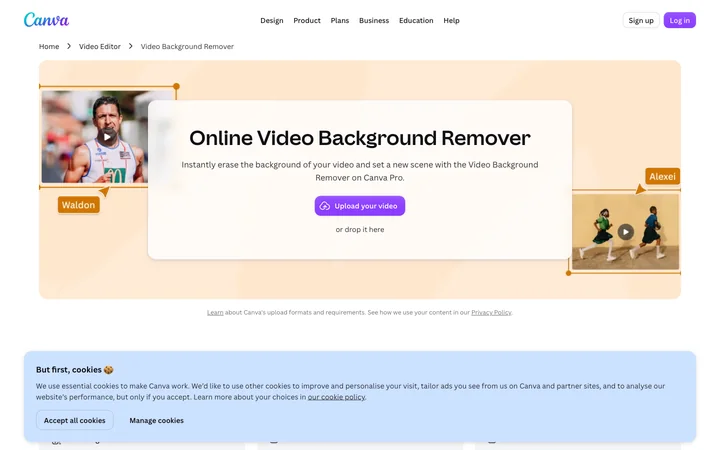
Remove video backgrounds with just one click using the Video Background Remover on Canva Pro.
Listed on
July 22, 2026
What is Video Background Remover?
The Video Background Remover is an AI-powered tool within Canva Pro that automatically detects and removes the background from videos in a single click. It eliminates the need for manual editing or green screens, allowing users to easily replace backgrounds with new scenes from Canva's library. The tool is integrated into Canva's online video editor, enabling further customization such as adding subtitles, filters, and music.
How to use Video Background Remover?
- Upload your video by selecting the 'Upload files' button or dragging and dropping it into the design. Then, choose 'Background Remover' under the Tools option to remove the video background in one click. Finally, make any final tweaks and download your video as a high-quality MP4 file.
Core features of Video Background Remover
- One-click AI-powered video background removal
- No green screen or manual editing required
- Integration with Canva's video editor for further edits (subtitles, filters, speed)
- Ability to set new scenes using Canva's templates and media library
- Download final video as high-quality MP4
User reviews
5.0
/ 50 reviews
5 stars
0
4 stars
0
3 stars
0
2 stars
0
1 stars
0
No reviews yet. Be the first to write one.
Similar products


AI-Powered Video Background Remover

2026 Co
05.0
Chrome Virtual Camera

05.0
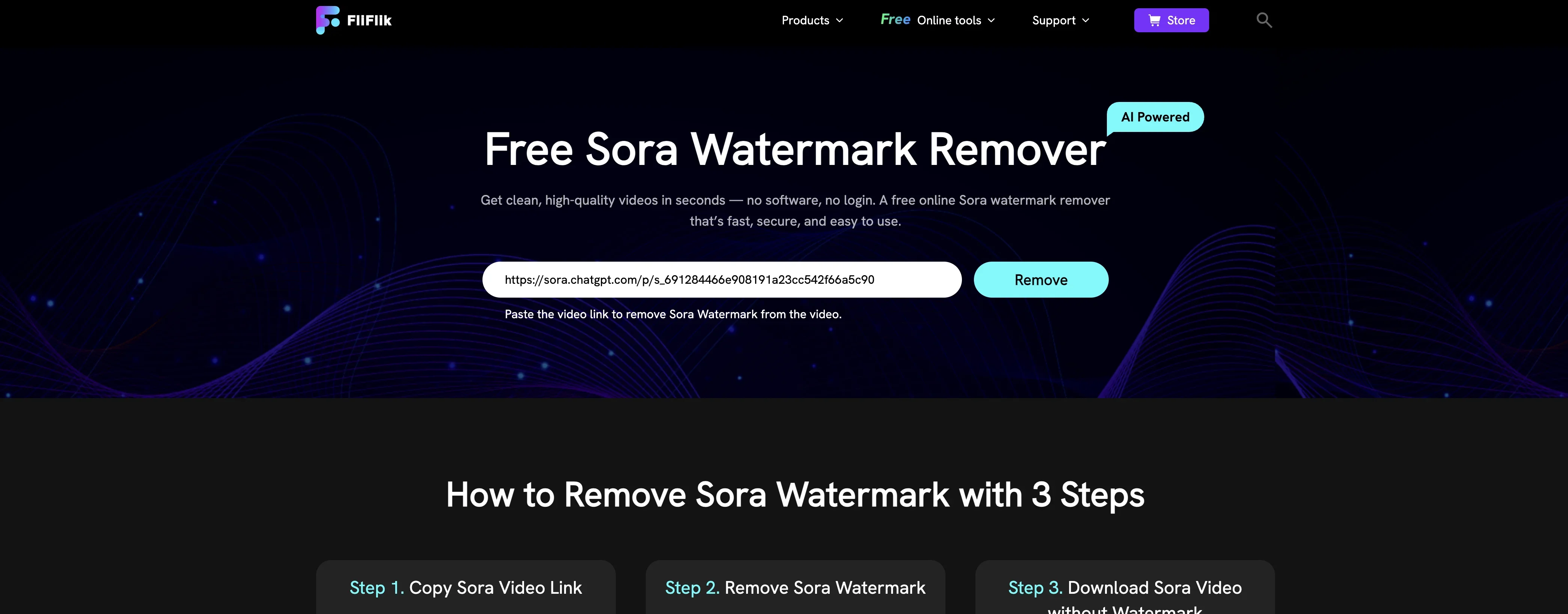
FliFlik Sora Watermark Remover
2026 FliFlik. All Rights Reserved. We use co
05.0

2026 Clipchamp Terms Privacy and cookies Co
🇦🇺Australia
05.0

Video Background Remover Embed
Add a website badge to show your product on Hootool—help others find the right AI tool for their problem. Easy to place on your homepage or footer.