
Shotbase

Shotbase

5|0 reviews|0 favorites
Visit website
Introduction
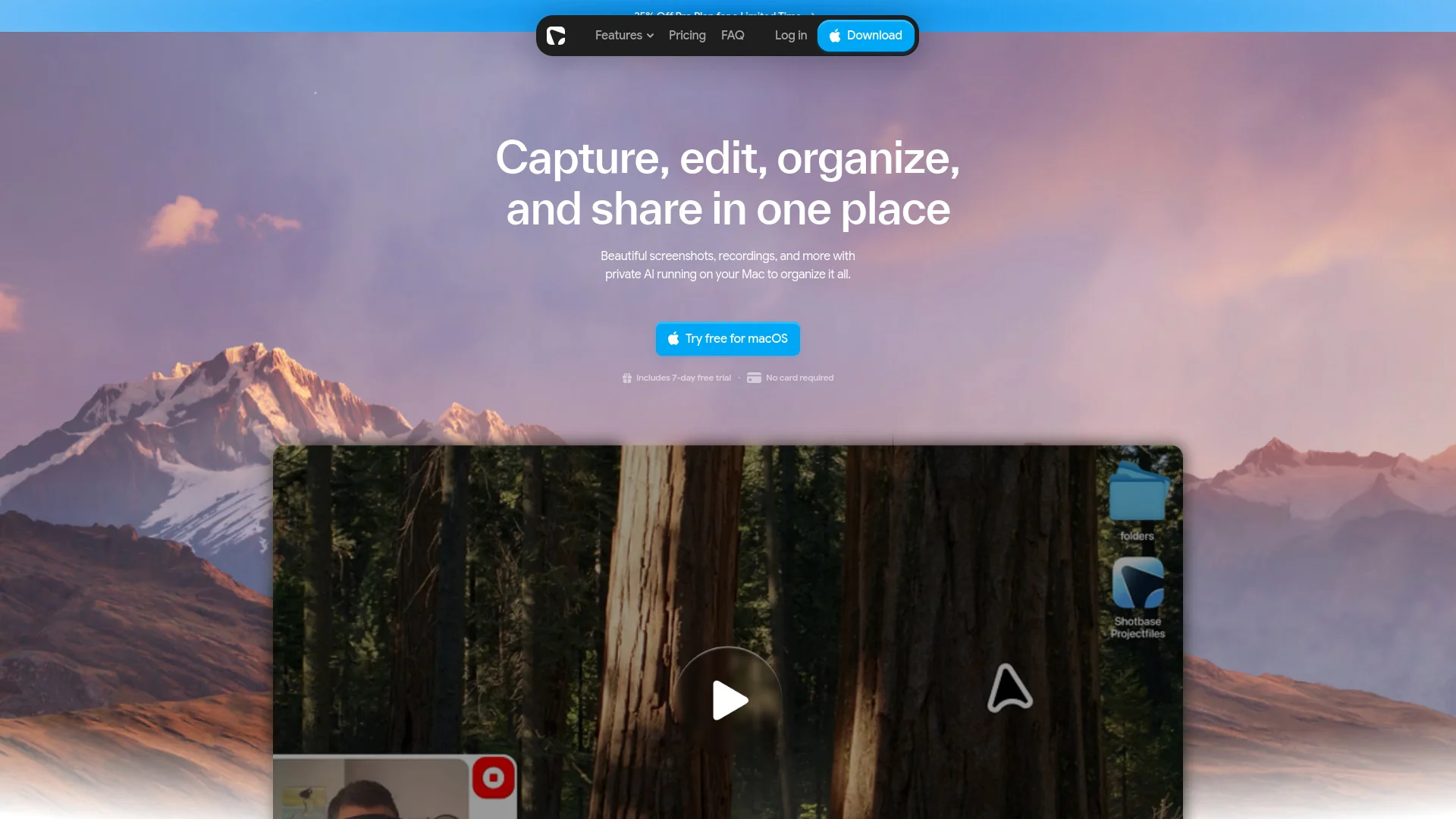
A macOS screen capture workspace for screenshots, recordings, editing, organizing, and sharing in one place.
Listed on
September 22, 2026

What is Shotbase?

Shotbase is a modern screen capture workspace for macOS. It lets you capture screenshots, screen recordings, and web pages, then edit, organize, and share them from a single app. It uses private local AI on Apple silicon Macs to name, tag, and summarize captures automatically.

How to use Shotbase?

  • Download and install Shotbase for macOS, then start a 7-day free trial with no card required. Capture screenshots, recordings, or web pages using the app. Edit captures with backgrounds, frames, shadows, arrows, text, highlights, and 3D effects. Let local AI organize captures with smart names, tags, and summaries, then right-click any capture to upload and share it via a clean link.

Core features of Shotbase

  • Screenshots with flexible capture options
  • Screen recordings with automatic zooms and cinematic 3D effects
  • Web page capture in light or dark mode, full page or viewport
  • Unified editor for static and motion captures with annotations and effects
  • Automatic organization with smart names, tags, and quick summaries
  • Private local AI analysis on Apple silicon Macs
  • Fast search across captures
  • One-click sharing via clean links

User reviews

5.0

/ 5

0 reviews

5 stars
0
4 stars
0
3 stars
0
2 stars
0
1 stars
0

No reviews yet. Be the first to write one.

Similar products

Shotbase Embed

Add a website badge to show your product on Hootool—help others find the right AI tool for their problem. Easy to place on your homepage or footer.


Featured on

Hootool.ai