
Read Aloud Reader
5|0 reviews|0 favorites
Introduction
Free online tool that reads text out loud with neural AI voices, sentence highlighting, and MP3 export.
Listed on
September 2, 2026

What is Read Aloud Reader?
Read Aloud Reader is a free, browser-based read aloud tool that converts text into natural-sounding speech using neural AI voices. It supports pasted text, PDF, DOCX, EPUB files, and article URLs, and highlights each sentence as it reads. The tool runs entirely in the browser, requiring no installation or account, and works across devices including Mac, Windows, Chromebook, iPhone, and Android.
How to use Read Aloud Reader?
- Open the Read Aloud Reader studio in any browser. Paste your text or upload a PDF, DOCX, EPUB, or article URL. Choose one of the neural voices and set the reading speed (1.25x is recommended). Press play to listen with sentence highlighting, or download the audio as an MP3.
Core features of Read Aloud Reader
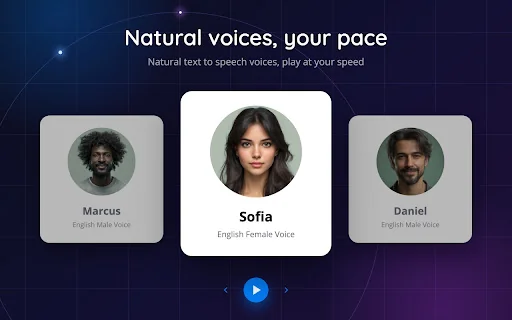
- 8 neural AI voices with 5 reading styles
- Sentence highlighting as text is read aloud
- Adjustable reading speed (0.5x to 2x)
- Supports typed/pasted text, PDF, DOCX, EPUB, and article URLs
- MP3 export for offline listening
- Free daily allowance of 20,000 characters
- Works on all major browsers and devices
- No signup or installation required
User reviews
5.0
/ 50 reviews
5 stars
0
4 stars
0
3 stars
0
2 stars
0
1 stars
0
No reviews yet. Be the first to write one.
Similar products

Prossess LLC
05.0

2026 Voice AI Inc.
05.0
ByteBlocks, LLC
🇺🇸United States
05.0
Read Aloud TTS: 文字转语音 — Text to Speech
05.0
Read Aloud Reader Embed
Add a website badge to show your product on Hootool—help others find the right AI tool for their problem. Easy to place on your homepage or footer.