
Playwriter
5|0 reviews|0 favorites
Introduction
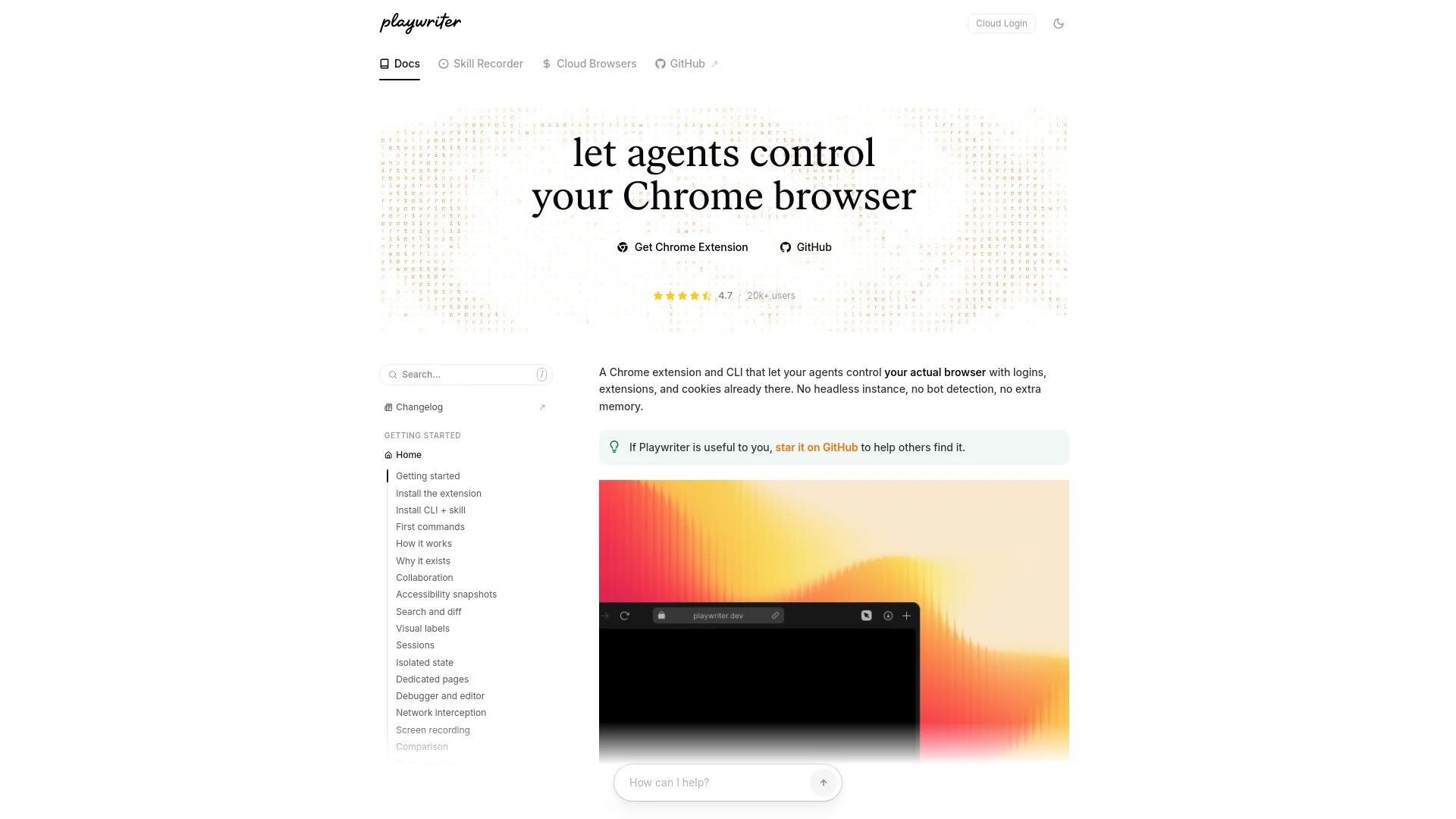
Chrome extension that lets agents, CLIs, and MCP servers control your real Chrome browser via Playwright.
Listed on
September 22, 2026
What is Playwriter?
Playwriter is a Chrome extension plus CLI and MCP server that lets AI agents and developers drive your actual Chrome browser using the Playwright API. Instead of launching a separate headless browser, it connects to your real, logged-in Chrome so agents can reuse existing sessions, cookies, and tabs. It exposes accessibility snapshots, visual labels, network capture, a JS debugger, and screen recording for agent-driven browser automation.
How to use Playwriter?
- 1. Install the Playwriter Chrome extension from the Chrome Web Store. 2. Install the Playwriter CLI and the agent skill (npm-based). 3. Optionally configure the MCP server for agent use. 4. Run your first commands to connect to your running Chrome and drive it with Playwright code. 5. Use headless mode or direct CDP if you don't want the extension.
Core features of Playwriter
- Control your real Chrome browser via Playwright from agents, CLI, or MCP
- Accessibility snapshots with search, diffing, and iframe support
- Visual labels and refs for reliable element interaction
- Isolated sessions with state persistence and tab groups
- JavaScript debugger and live code editor with breakpoints
- Network interception, API capture, and replay
- Screen recording with ghost cursor and streaming
- Remote access via tunnel/LAN and cloud browsers
User reviews
5.0
/ 50 reviews
5 stars
0
4 stars
0
3 stars
0
2 stars
0
1 stars
0
No reviews yet. Be the first to write one.
Similar products




Playwriter Embed
Add a website badge to show your product on Hootool—help others find the right AI tool for their problem. Easy to place on your homepage or footer.