
PhoText
Trending
5|0 reviews|0 favorites
Introduction
AI-powered online tool to edit, remove, add, and translate text in images and screenshots without design skills.
Listed on
August 28, 2026
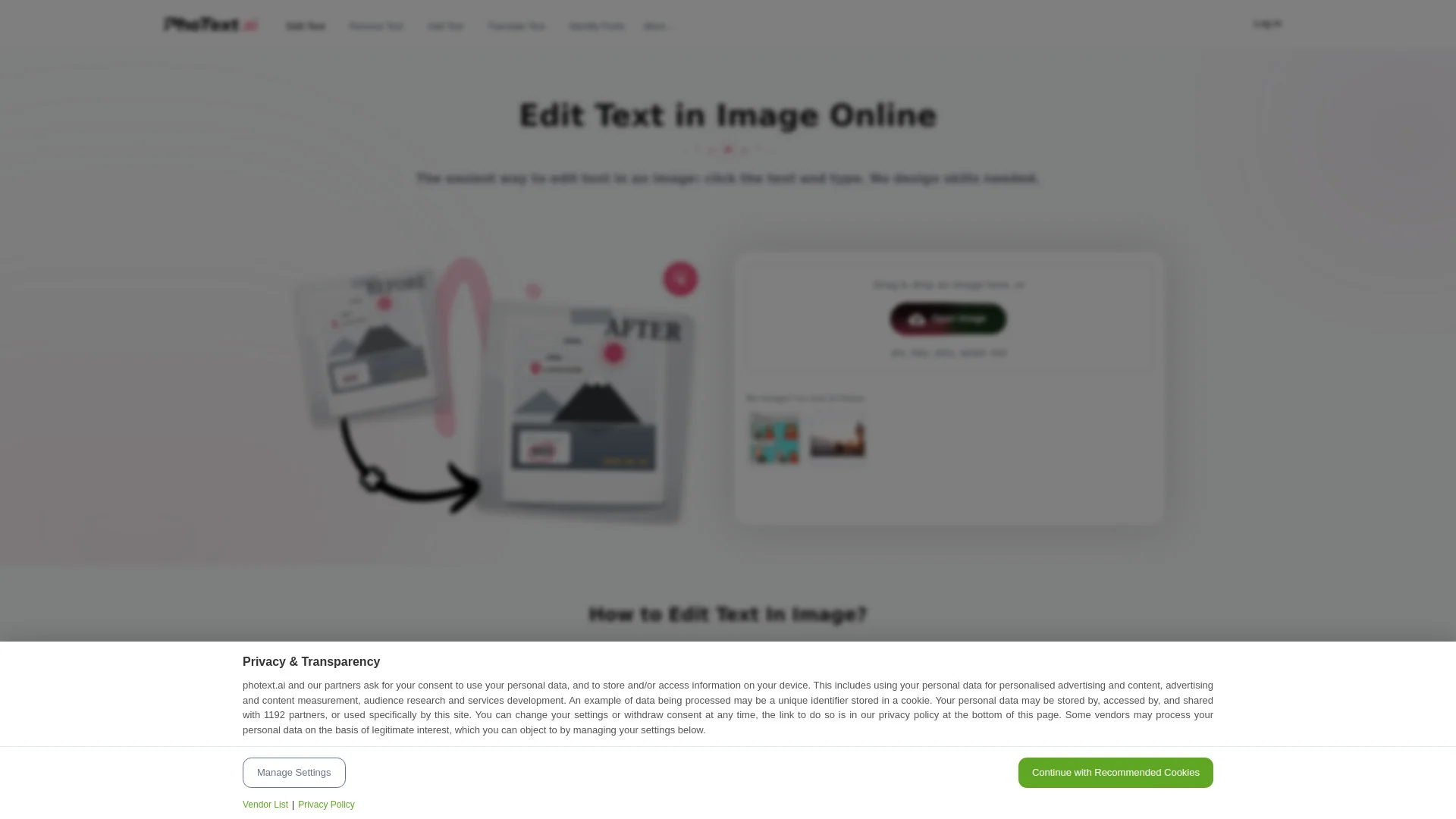
What is PhoText?
PhoText is an AI-powered image text editor that lets users edit text in images and screenshots directly in the browser. It uses semantic understanding, smart background repair, and style transfer to make edits look natural. The tool supports OCR for multiple languages, font matching, and background restoration, and also offers additional image editing features like filters and stickers.
How to use PhoText?
- 1. Upload an image (JPG, PNG, JPEG, WEBP, PDF) by dragging and dropping or opening it. 2. Click on the text in the image you want to edit and type the new text. Adjust font, color, size, and position as needed. 3. Download the edited image. For AI conversational editing, simply describe the change you want and the tool will handle it automatically.
Core features of PhoText
- AI conversational text editing
- AI font matching with vast font library
- Seamless background restoration (no ghosts or white edges)
- Style matching for font, color, perspective, shadow, gloss
- High-precision OCR for all languages, including slanted and curved text
- Additional image editing: filters, stickers, word art
- High-resolution export preserving original quality
- Free for commercial use
User reviews
5.0
/ 50 reviews
5 stars
0
4 stars
0
3 stars
0
2 stars
0
1 stars
0
No reviews yet. Be the first to write one.
Similar products


2026 Anlatan Inc. Manage Co
05.0

Depositphotos AI image generator

DepositPhotos
05.0

PhoText Embed
Add a website badge to show your product on Hootool—help others find the right AI tool for their problem. Easy to place on your homepage or footer.