
OpenVox
5|0 reviews|0 favorites
Introduction
Offline AI text-to-speech for Mac, iPad & Windows with 600+ languages, voice cloning, and audiobook tools.
Listed on
July 27, 2026

What is OpenVox?
OpenVox is a privacy-focused, offline AI text-to-speech application for Mac, iPad, and Windows. It generates lifelike voiceovers, clones permitted voices, and converts documents into audiobooks locally without uploading content. It supports over 600 languages and offers multiple voice models for different use cases.
How to use OpenVox?
- Download the app for your platform (Mac, iPad, or Windows) and install it. No account is required to start. Use the free tier with daily character limits, or purchase Pro for unlimited use. Import text, EPUB, or PDF files, select a voice model, and generate speech. Use features like voice cloning, voice design, and audiobook chapter management.
Core features of OpenVox
- Offline text-to-speech with 600+ languages
- Voice cloning (with permission) and voice design
- Audiobook generation from EPUB, PDF, and text
- Select & Read: highlight text on Mac/Windows to hear it
- Voice changer for converting recordings
- Local API and MCP server for automation
- Multiple voice models (OmniVoice, Kokoro, Supertonic, etc.)
User reviews
5.0
/ 50 reviews
5 stars
0
4 stars
0
3 stars
0
2 stars
0
1 stars
0
No reviews yet. Be the first to write one.
Similar products
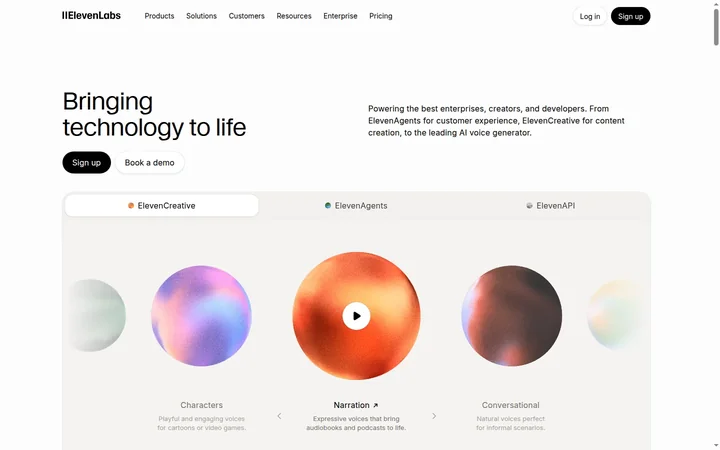
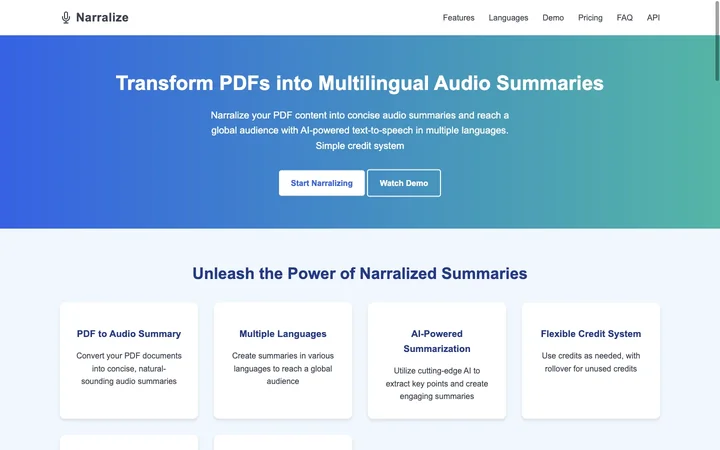
Prossess LLC
05.0
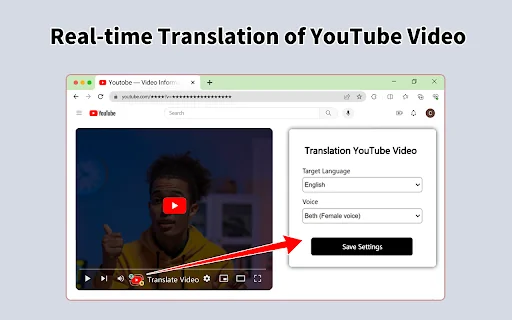

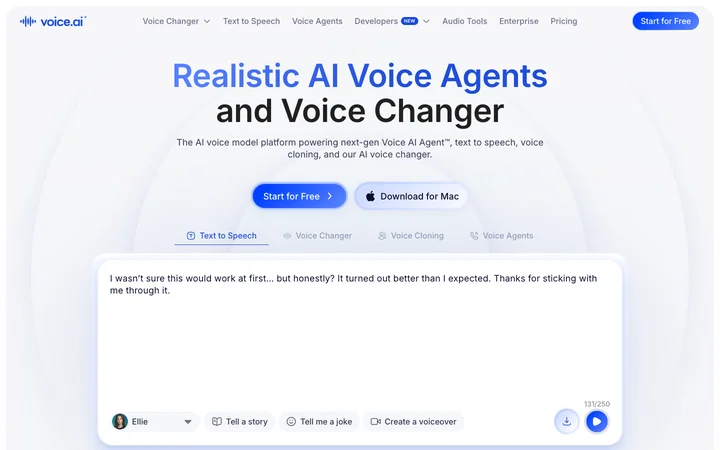
2026 Voice AI Inc.
05.0
ByteBlocks, LLC
🇺🇸United States
05.0
Read Aloud TTS: 文字转语音 — Text to Speech
05.0
OpenVox Embed
Add a website badge to show your product on Hootool—help others find the right AI tool for their problem. Easy to place on your homepage or footer.