
myaudiotools

myaudiotools

New
5|0 reviews|0 favorites
Visit website
Introduction
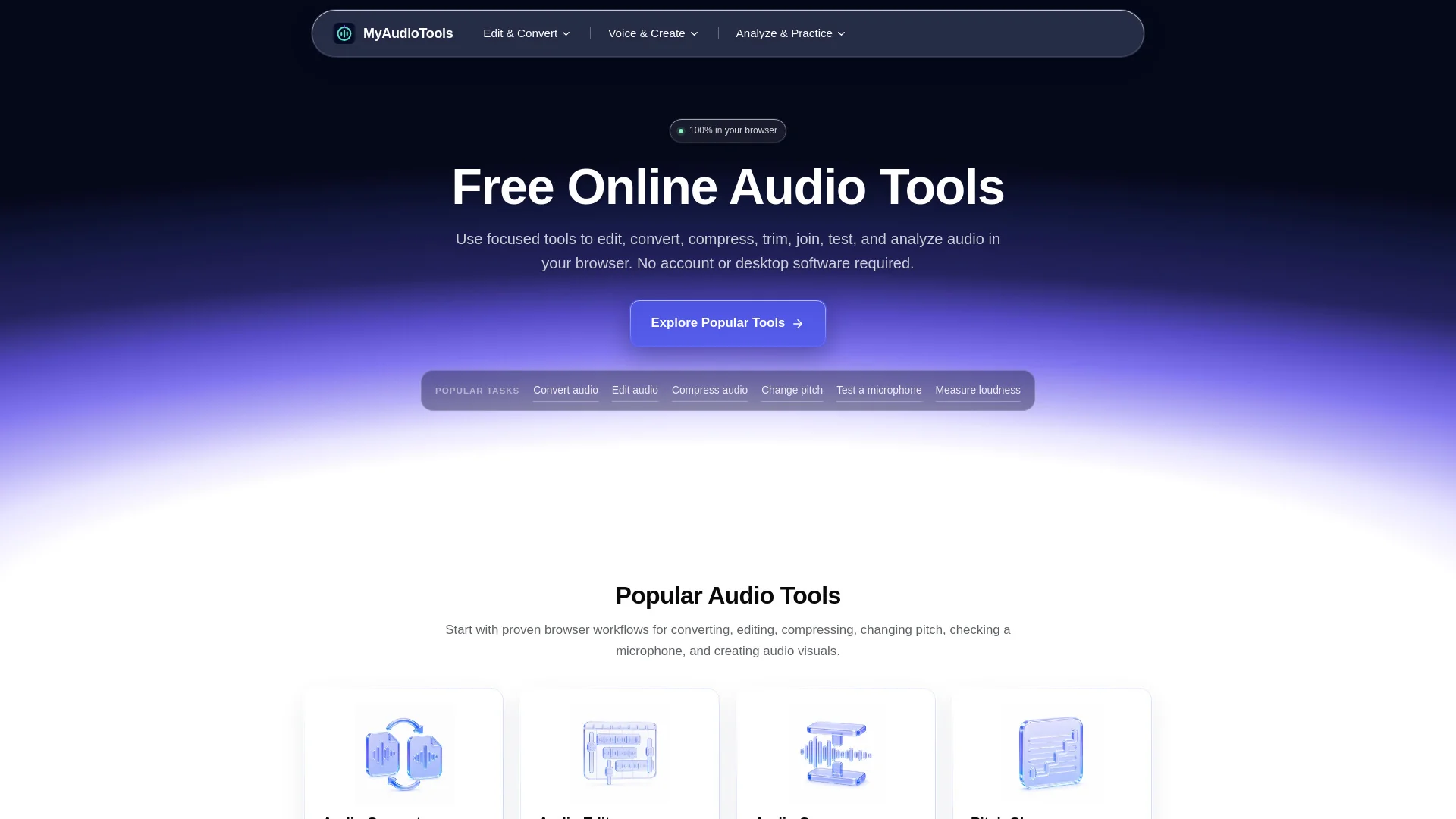
A free browser-based collection of 48 online audio tools for editing, converting, compressing, analyzing, and testing sound.
Listed on
September 29, 2026

What is myaudiotools?

MyAudioTools is a curated collection of free online audio tools that run entirely in the browser. It covers editing, converting, compressing, trimming, joining, analyzing, and testing audio, with each page focused on a single task. It is aimed at creators, musicians, podcasters, students, and anyone working with sound, and requires no account or desktop software.

How to use myaudiotools?

  • Open the site and browse the tool categories or the full list of 48 audio tools. Pick the exact workflow you need, such as Audio Converter, Audio Editor, or Microphone Test. Upload or select your audio, adjust the available settings, preview the result, and export in a supported format. No account or installation is required.

Core features of myaudiotools

  • Audio Converter: convert MP3, WAV, M4A, FLAC, OGG, AAC, AIFF, WMA, Opus, AMR, and more
  • Audio Editor: browser-based timeline for editing one or more audio files
  • Audio Compressor: batch compress up to 10 files with configurable output
  • Audio Normalizer and Volume Booster: match LUFS targets or boost up to 300%
  • Pitch, Tempo, and Reverb tools: change semitones, adjust speed, and add reverb
  • Voice and speech tools: vocal tuner, voice changer, text to speech, audio to text
  • Analysis tools: BPM finder, song key finder, LUFS meter, chord finder
  • Device tests: microphone, headset, speaker, headphone, and hearing tests

User reviews

5.0

/ 5

0 reviews

5 stars
0
4 stars
0
3 stars
0
2 stars
0
1 stars
0

No reviews yet. Be the first to write one.

Similar products

myaudiotools Embed

Add a website badge to show your product on Hootool—help others find the right AI tool for their problem. Easy to place on your homepage or footer.

Featured on

Hootool.ai