
Mebox
5|0 reviews|0 favorites
Introduction
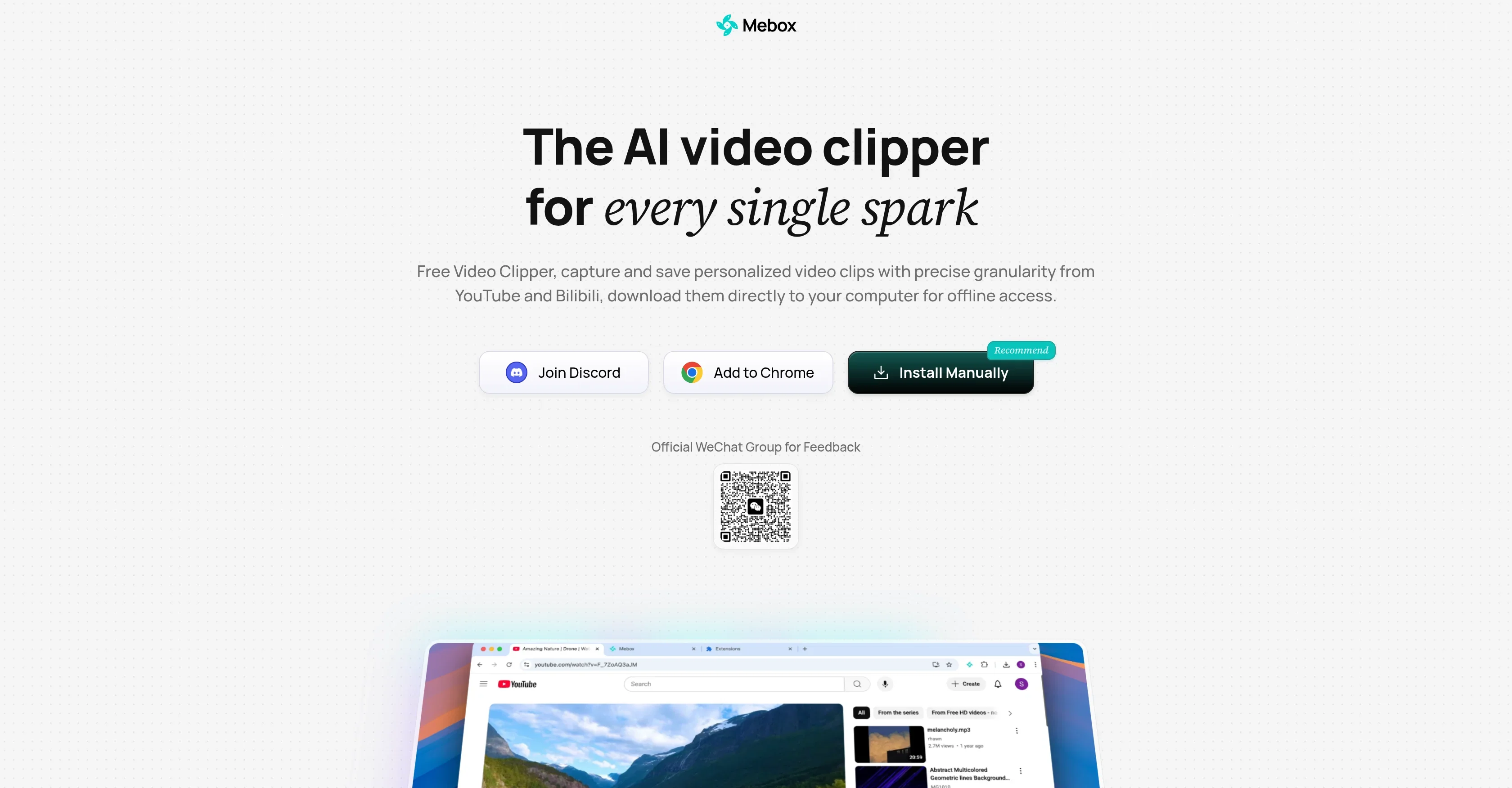
Free AI video clipper browser extension to capture, save and revisit precise clips from YouTube and Bilibili.
Listed on
September 15, 2026
FreeBrowser ExtensionAI Auto SubtitlesAI Short Video GenerationAI Video EditingAI Video Summarization
What is Mebox?
Mebox is a free AI-powered video clipper that works as a browser extension. It lets you capture and save personalized video clips with precise granularity from YouTube and Bilibili, and download them directly to your computer for offline access. Saved clips are organized in a side panel with LLM-generated covers and summaries for easy revisiting.
How to use Mebox?
- Add Mebox to Chrome from the Chrome Web Store, or install manually: download and unzip the package, open chrome://extensions, enable developer mode, click Load unpacked and select the unzipped folder, then pin the Mebox icon. While watching a video, mark start/end times and click Save to store a clip, or use Flash Save for instant capture. Browse and revisit saved clips in Mebox's side panel.
Core features of Mebox
- Clip videos with precise start/end times from YouTube and Bilibili
- Flash Save for instant capture of key moments
- Download clips directly to your computer for offline access
- Auto-generated subtitle screenshots creating visual summaries
- Side panel organization with LLM-generated covers and summaries
- Hover-to-loop preview of the exact saved moment
- One-click full video save
User reviews
5.0
/ 50 reviews
5 stars
0
4 stars
0
3 stars
0
2 stars
0
1 stars
0
No reviews yet. Be the first to write one.
Similar products


Mebox Embed
Add a website badge to show your product on Hootool—help others find the right AI tool for their problem. Easy to place on your homepage or footer.