
Markovo
New
5|0 reviews|0 favorites
Introduction
File to Markdown converter that turns PDFs, Office docs, images, audio, video, and public URLs into clean Markdown for AI, API, CLI, and MCP workflows.
Listed on
October 1, 2026
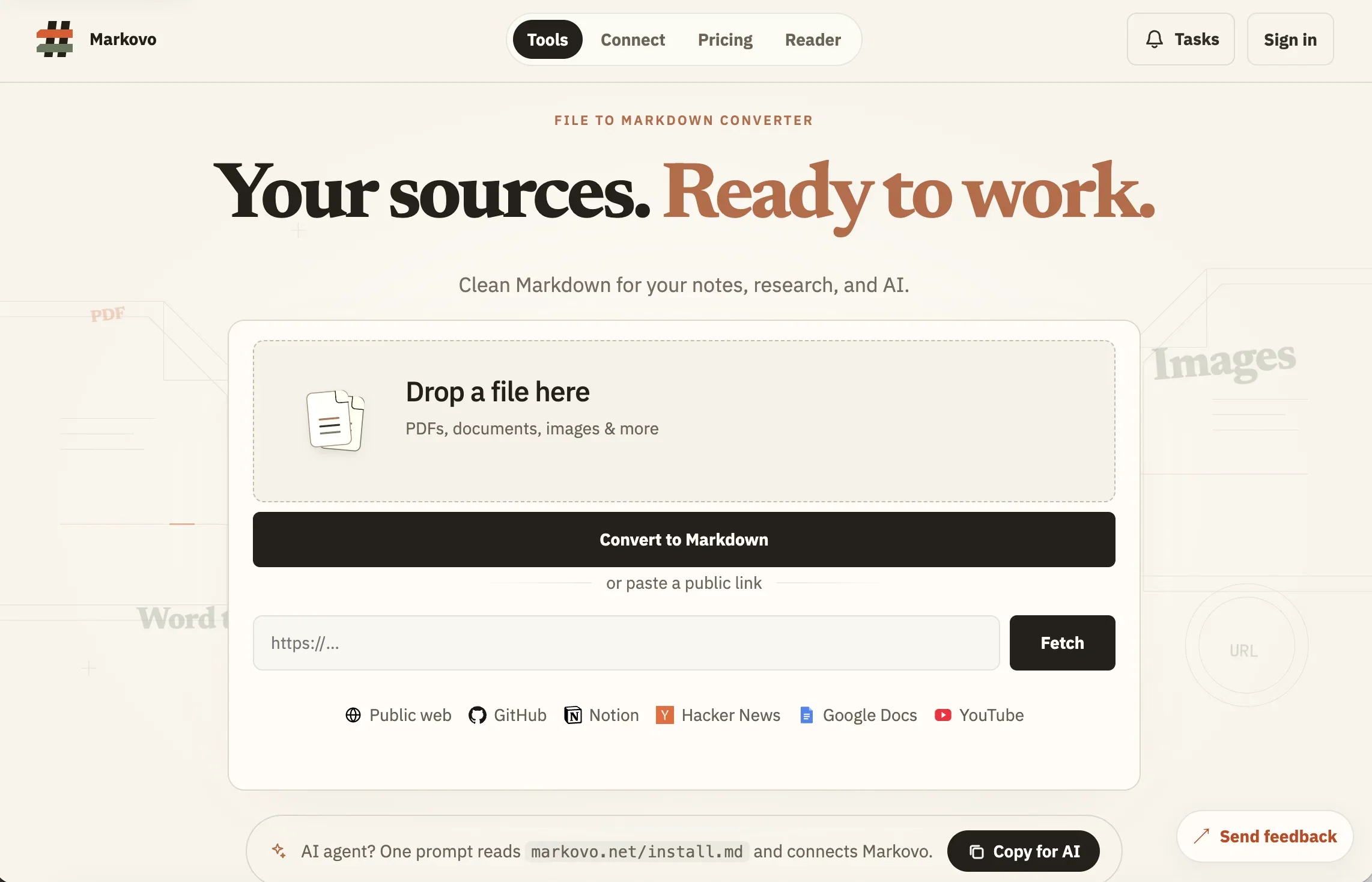
What is Markovo?
Markovo is an AI-native file-to-Markdown conversion platform. It converts PDFs, DOCX, PPTX, XLSX, EPUB, Notion ZIP, text, Markdown, JSON, XML, HTML, CSV, images, audio, and video into clean, structured Markdown bundles. Outputs include assets, source maps, quality reports, and SHA-256-bound manifests for verification. It is designed to give notes, research, and AI agents better context from source documents.
How to use Markovo?
- 1. Drop a file onto the converter or paste a public link (web, GitHub, Notion, Hacker News, Google Docs, YouTube). 2. Optionally select specific pages; the Credit estimate is shown before conversion. 3. Click Convert to Markdown and wait for the delivery-ready output. 4. Download the Markdown bundle and optional audit files (source map, quality report, manifest). 5. Integrate via Web, REST API, CLI, or MCP to connect agents and automate locally.
Core features of Markovo
- Converts PDF, DOCX, PPTX, XLSX, EPUB, Notion ZIP, text, Markdown, JSON, XML, HTML, CSV, images, audio, and video to Markdown
- Paste public links from web, GitHub, Notion, Hacker News, Google Docs, and YouTube
- Verified output bundles with SHA-256 manifests, source maps, and quality reports
- OCR for scanned images and speech/video soundtrack transcription
- Formula detection rendered as LaTeX for review
- Table and chart structure preservation with aligned headers and rows
- Access via Web, REST API, CLI, and MCP for agent integration
- Credit-based pricing with per-job estimates and no charge for failed jobs
User reviews
5.0
/ 50 reviews
5 stars
0
4 stars
0
3 stars
0
2 stars
0
1 stars
0
No reviews yet. Be the first to write one.
Similar products







Markovo Embed
Add a website badge to show your product on Hootool—help others find the right AI tool for their problem. Easy to place on your homepage or footer.