
DALL-E 2 Image Downloader
5|0 reviews|0 favorites
Introduction
Adds a button to the DALL·E 2 web app that lets you download generated images along with the prompt that generated them.
Listed on
July 23, 2026

What is DALL-E 2 Image Downloader?
DALL-E 2 Image Downloader is a Chrome browser extension that adds a button to the DALL·E 2 web app. It allows users to download all images generated for a current prompt in a single zip folder, with the folder named after the prompt. This solves the problem of manually downloading images one by one and keeping track of which prompt generated which images.
How to use DALL-E 2 Image Downloader?
- Install the extension from the Chrome Web Store, then open the DALL·E 2 web app. A button will appear in the bottom left corner of the page. Click the button to download all current prompt's images in a zip folder, whose filename is the prompt that generated them.
Core features of DALL-E 2 Image Downloader
- Adds a download button to the DALL·E 2 web app
- Downloads all images for the current prompt in a single zip folder
- Names the zip folder after the prompt that generated the images
- Saves both the prompt and its generated images in one click
- Works with the DALL·E 2 web app UI
User reviews
5.0
/ 50 reviews
5 stars
0
4 stars
0
3 stars
0
2 stars
0
1 stars
0
No reviews yet. Be the first to write one.
Similar products



Depositphotos AI image generator

DepositPhotos
05.0

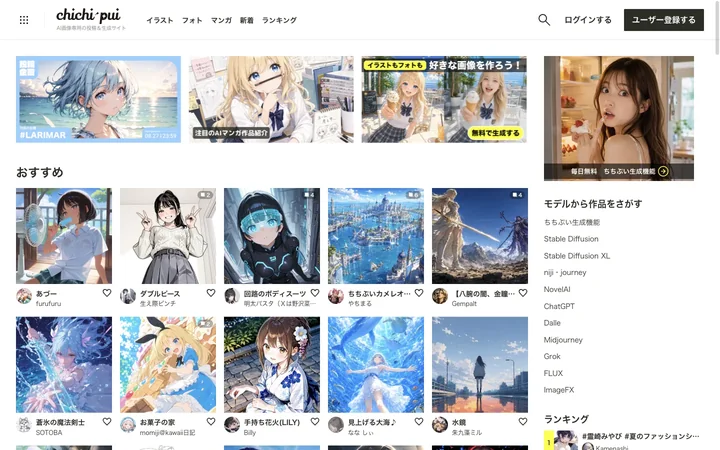
chichi-pui(ちちぷい)| AI画像専用の投稿&生成サイト
🇯🇵Japan
05.0
DALL-E 2 Image Downloader Embed
Add a website badge to show your product on Hootool—help others find the right AI tool for their problem. Easy to place on your homepage or footer.