LazyTyper

LazyTyper

5|0 reviews|0 favorites
Visit website
Introduction
Free voice typing app with 12 AI models, 5 local, 3x faster, 90% accuracy.
Listed on
July 23, 2026

What is LazyTyper?

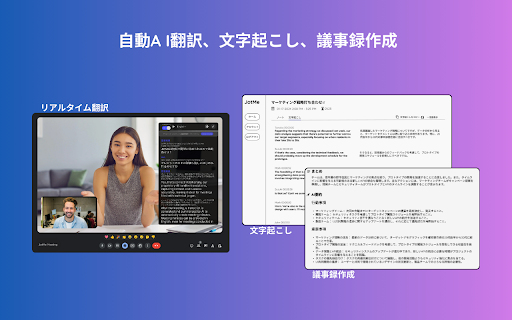
LazyTyper is a free voice typing application that leverages 12 AI speech models, including 5 fully local options, to convert speech to text with high accuracy. It supports mixed-language dictation (Chinese, English, Japanese) and is designed to be lightweight, running efficiently on Windows, macOS, and Linux. The app is praised for its speed and accuracy, making it suitable for professionals, students, and multilingual users.

How to use LazyTyper?

  • Download the app from the official website or GitHub releases for Linux. Install and launch the application. Choose your preferred speech recognition engine from the 12 available models (e.g., DouBao Voice for Chinese, ElevenLabs for coding, or local models for privacy). Start speaking; the app transcribes in real-time. You can switch models anytime and mix languages within the same dictation.

Core features of LazyTyper

  • 12 AI speech models including 5 local offline options
  • 90%+ transcription accuracy with minimal corrections
  • 3x faster typing speed compared to manual typing
  • Mixed-language support (Chinese, English, Japanese)
  • Lightweight app with minimal memory usage
  • Free to use with no ads
  • Available on Windows, macOS, and Linux

User reviews

5.0

/ 5

0 reviews

5 stars
0
4 stars
0
3 stars
0
2 stars
0
1 stars
0

No reviews yet. Be the first to write one.

Similar products

LazyTyper Embed

Add a website badge to show your product on Hootool—help others find the right AI tool for their problem. Easy to place on your homepage or footer.

Featured on

Hootool.ai