
LayerGrab

LayerGrab

New
5|0 reviews|0 favorites
Visit website
Introduction
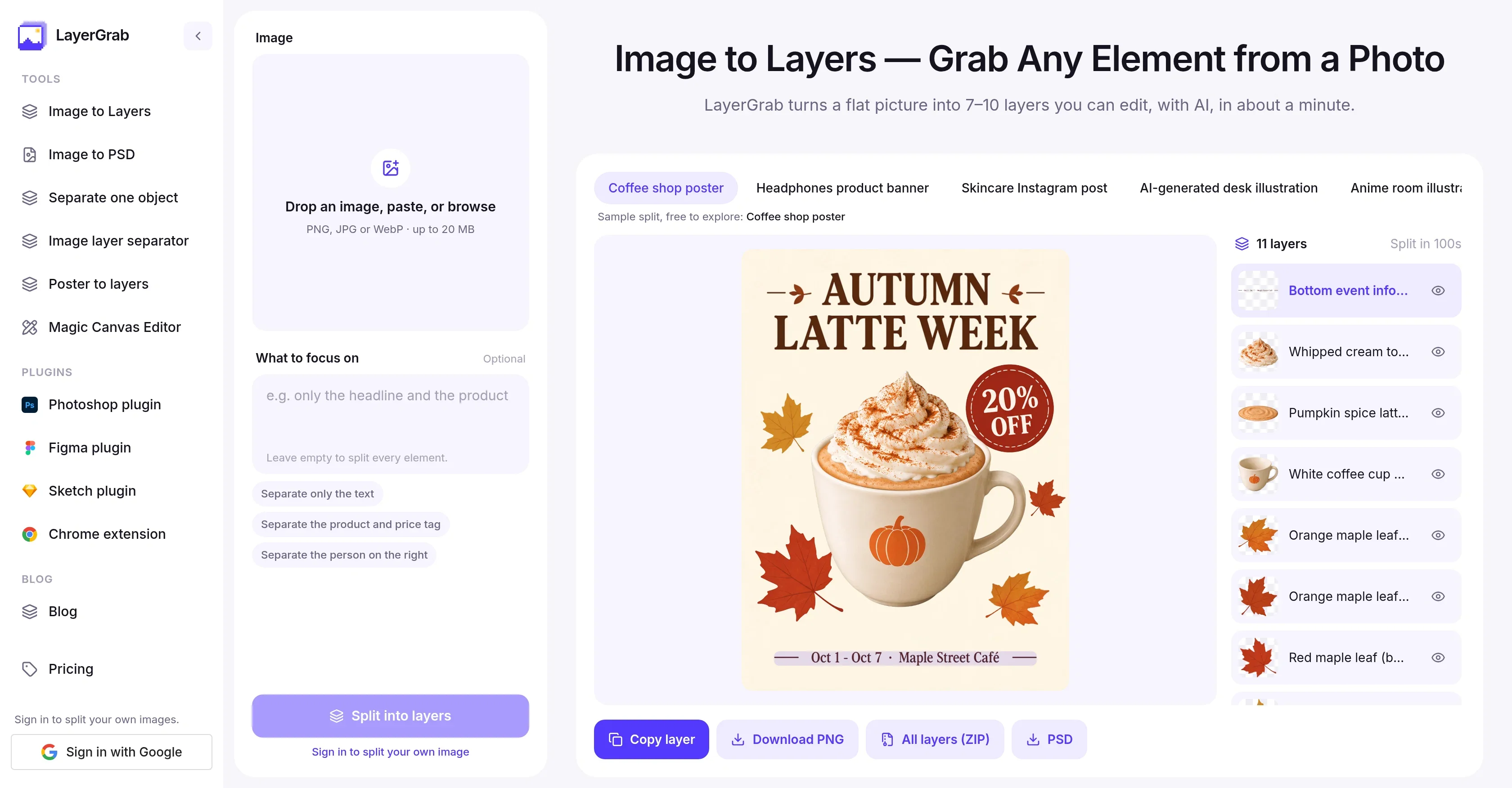
LayerGrab is an AI tool that splits any flat image into editable, named transparent layers in about a minute.
Listed on
October 2, 2026

What is LayerGrab?

LayerGrab is an AI tool that turns a flat picture into up to 16 separate transparent layers, one per element, or extracts just the object you name. Text, products and graphics each come back as a transparent layer with a readable English name, and the background behind them is filled in so nothing leaves a hole when moved. It works on layergrab.com and as Photoshop, Figma, Sketch and Chrome plugins, and you pay per layer it returns.

How to use LayerGrab?

  • 1. Upload an image: drop, paste or pick a PNG, JPG or WebP (poster, product banner, AI image or screenshot, up to 20 MB). 2. AI does the splitting: in 60–100 seconds text, products and graphics each get their own transparent layer with the background filled in. 3. Pick a layer: every layer has a readable English name; hide layers to see what is underneath. 4. Grab or export: copy one layer into Figma, Photoshop or Canva, download it as PNG, or export everything as a ZIP or layered PSD.

Core features of LayerGrab

  • Image to Layers: split a flat image into up to 16 editable, named transparent layers
  • Image to PSD: export the whole design as a layered Photoshop file
  • Separate one object: pull out just the object you name
  • Image layer separator and poster to layers tools
  • Readable English layer names (e.g. "Yellow Price Tag $129")
  • Filled background so moved elements leave no holes
  • Magic Canvas Editor
  • Plugins for Photoshop, Figma, Sketch and a Chrome extension
  • Copy a single layer straight into Figma, Photoshop or Canva

User reviews

5.0

/ 5

0 reviews

5 stars
0
4 stars
0
3 stars
0
2 stars
0
1 stars
0

No reviews yet. Be the first to write one.

Similar products

LayerGrab Embed

Add a website badge to show your product on Hootool—help others find the right AI tool for their problem. Easy to place on your homepage or footer.


Featured on

Hootool.ai