InkCraft
5|0 reviews|0 favorites
Introduction
Free tattoo try-on web tool and iOS app to preview designs on your own skin in 3D before getting inked.
Listed on
September 9, 2026
What is InkCraft?
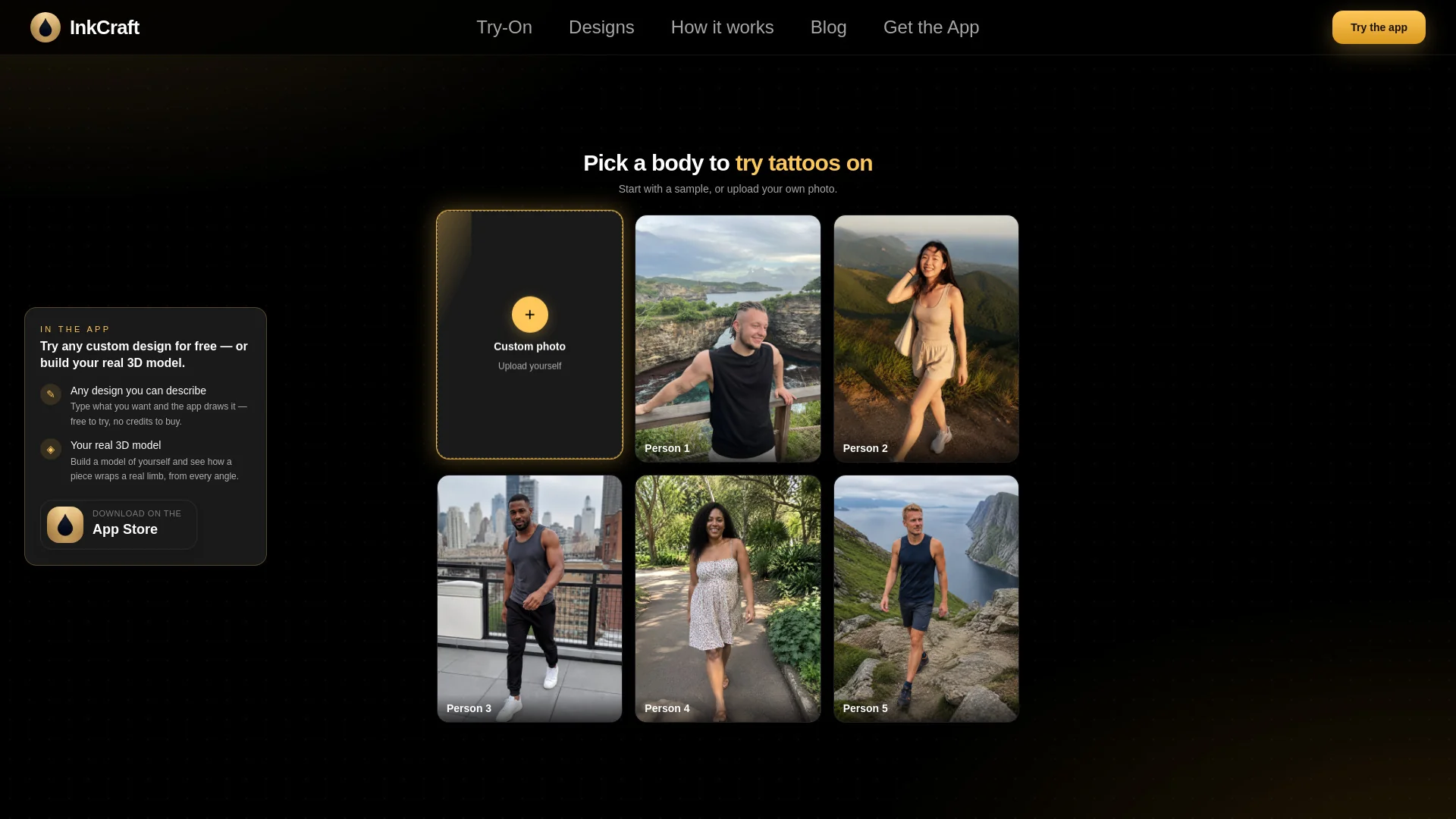
InkCraft is a free tattoo try-on platform that lets you upload a photo of yourself and see how a tattoo design would look on your skin using 3D reconstruction and skin-wrapping technology. It offers a web-based try-on tool that works in the browser without downloads or signup, as well as a free iOS app with additional features like AI design generation and full-body placement. The platform includes a large library of tattoo designs across various styles and guides to help users make informed decisions.
How to use InkCraft?
- To use InkCraft, start by uploading a photo of the body part where you want to try a tattoo. Then pick a design from the library or generate one with the AI designer. The tool will place the design onto your skin in 3D, wrapping around curves and contours. You can adjust placement and size, save your favorite preview, and share it with your artist. The web version requires no signup, while the app offers additional features like saving previews and accessing the full design library.
Core features of InkCraft
- 3D skin-wrapping technology for realistic tattoo placement
- Thousands of free tattoo designs across styles (fine line, blackwork, geometric, watercolour, etc.)
- AI tattoo design generator
- Full body placement (arms, back, chest, legs, etc.)
- Web-based try-on with no download or signup
- iOS app with unlimited previews and sharing options
- Privacy-focused: photos processed in-browser, not stored
User reviews
5.0
/ 50 reviews
5 stars
0
4 stars
0
3 stars
0
2 stars
0
1 stars
0
No reviews yet. Be the first to write one.
Similar products


Depositphotos AI image generator

DepositPhotos
05.0
2026 Anlatan Inc. Manage Co
05.0

InkCraft Embed
Add a website badge to show your product on Hootool—help others find the right AI tool for their problem. Easy to place on your homepage or footer.