
Image to Layers AI

Image to Layers AI

5|0 reviews|0 favorites
Visit website
Introduction
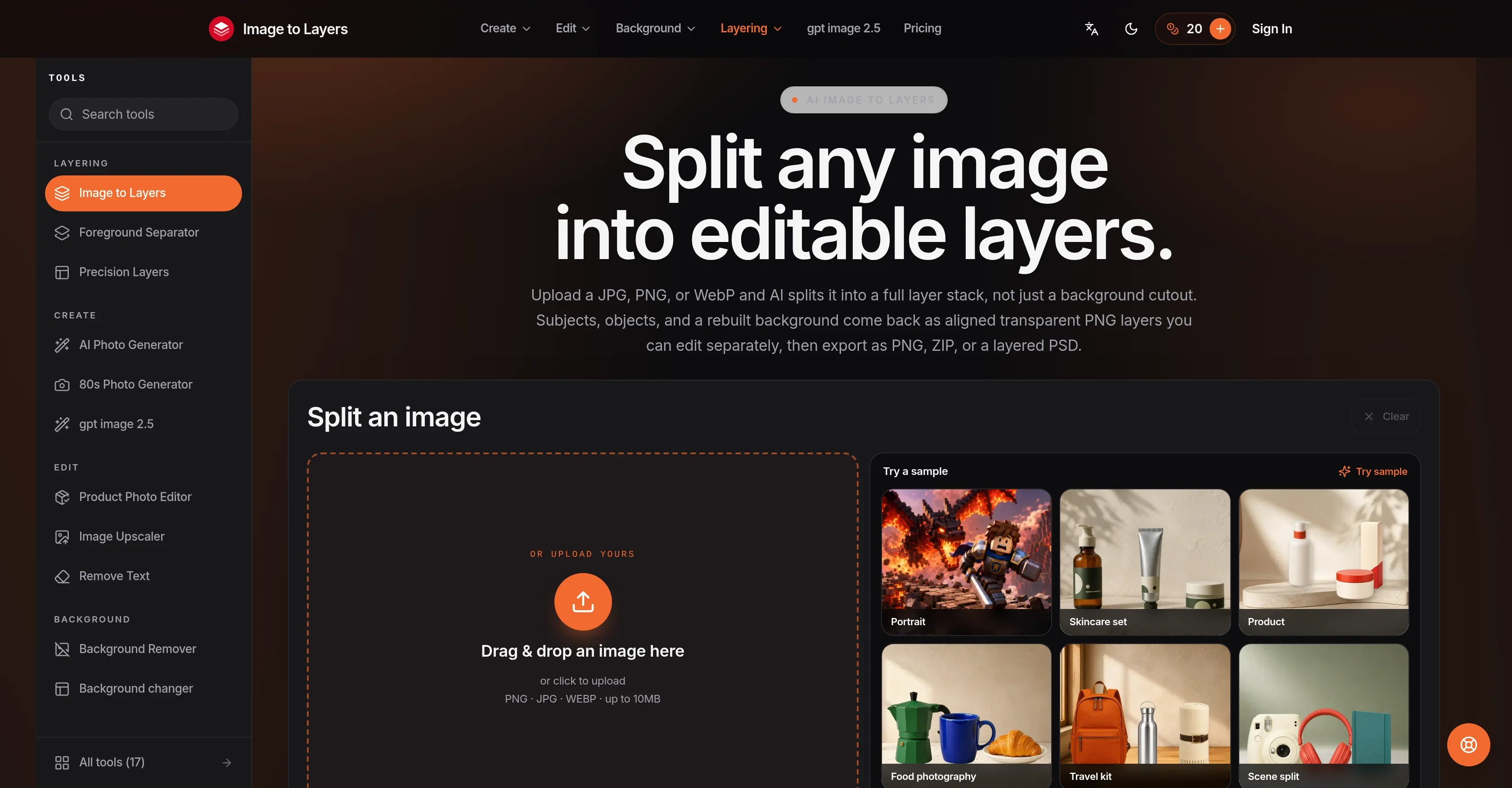
AI tool that splits any image into 2–17 editable transparent PNG layers, exportable as PNG, ZIP, or layered PSD.
Listed on
September 23, 2026

What is Image to Layers AI?

Image to Layers is a web-based AI tool that converts a flat image into a stack of separate, editable layers. Instead of a simple background cutout, it separates subjects, objects, and a rebuilt background into aligned transparent RGBA PNG layers. Users can export individual layers, a ZIP of the whole stack, or a layered PSD for use in Photoshop, Figma, or After Effects.

How to use Image to Layers AI?

  • 1. Upload a JPG, PNG, or WebP image (up to 10MB) or try a sample. 2. Choose the number of layers (2–17) and optionally describe what each layer should contain with a prompt. 3. Let the AI plan and split the image in about a minute. 4. Review the layers, then download them individually or as a ZIP/PSD. Free previews and exports include a watermark; subscribing or buying credits unlocks clean originals.

Core features of Image to Layers AI

  • True RGBA transparent PNG layers with proper alpha channels
  • Subject/background and in-between element separation
  • Choose 2 to 17 layers per image, guided by a text prompt
  • Export as individual PNGs, ZIP, or layered PSD
  • Layers come named with depth order and placement data
  • Pay per layer returned (10 credits per layer)
  • No software install, no manual masking required

User reviews

5.0

/ 5

0 reviews

5 stars
0
4 stars
0
3 stars
0
2 stars
0
1 stars
0

No reviews yet. Be the first to write one.

Similar products

Image to Layers AI Embed

Add a website badge to show your product on Hootool—help others find the right AI tool for their problem. Easy to place on your homepage or footer.
Featured on

Hootool.ai