
ImageEditor.AI
5|0 reviews|0 favorites
Introduction
AI image editor: remove backgrounds, erase objects, upscale, restore, colorize, and more — free to try, no signup needed.
Listed on
July 23, 2026

What is ImageEditor.AI?
ImageEditor.AI is an all-in-one AI-powered image editing platform that runs in the browser. It offers a suite of tools for removing backgrounds, erasing objects, upscaling images, restoring old photos, colorizing black-and-white pictures, and more. The platform is designed for quick edits without software installation, with options for free daily edits and a Pro subscription for unlimited use.
How to use ImageEditor.AI?
- To use ImageEditor.AI, start by uploading an image (JPG, PNG, or WebP) or choosing a specific tool from the homepage. Then select the desired editing tool, such as Remove Background or Upscale, and the AI processes the image in seconds. Finally, download the edited file in your preferred format. For advanced features, you can create a free account for more daily edits or upgrade to Pro for unlimited access.
Core features of ImageEditor.AI
- Remove backgrounds to get transparent PNG cutouts
- Erase objects, text, and watermarks with AI inpainting
- Upscale images up to 4x with detail recovery
- Restore old photos and colorize black-and-white images
- Unblur and sharpen photos, enhance faces
- Batch processing and priority queue for Pro users
- API access for developers
User reviews
5.0
/ 50 reviews
5 stars
0
4 stars
0
3 stars
0
2 stars
0
1 stars
0
No reviews yet. Be the first to write one.
Similar products

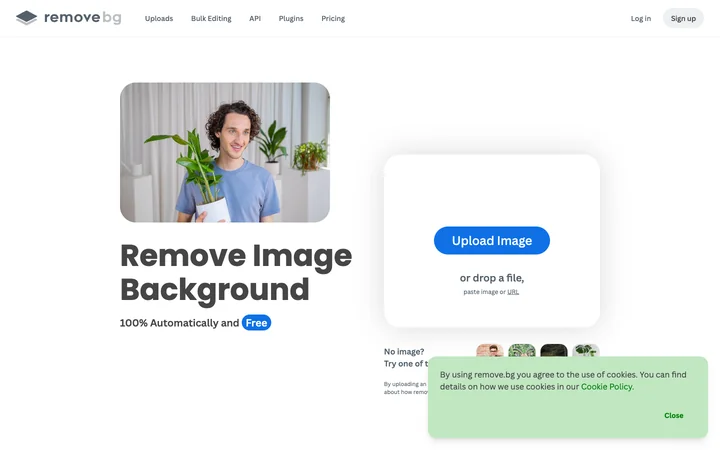

Depositphotos AI image generator

DepositPhotos
05.0

Pixlr — Free AI Photo Editor & Image Generator
🇸🇬Singapore
05.0

2026 PFPMaker.com Co
05.0
ImageEditor.AI Embed
Add a website badge to show your product on Hootool—help others find the right AI tool for their problem. Easy to place on your homepage or footer.