
Candy
5|0 reviews|0 favorites
Introduction
Use AI to automatically generate descriptive filenames for downloaded images, helping you better organize and share images.
Listed on
July 22, 2026
What is Candy?
Candy is an AI-powered Chrome extension that automatically analyzes image content after you save an image and generates a descriptive filename. It is designed to simplify image management, making it easier for you to organize, find, and share images. The extension prioritizes privacy; all AI analysis is performed locally and does not collect or store your personal data.
How to use Candy?
- 1. Install the Candy extension from the Chrome Web Store.
- 2. While browsing the web, download the images you want as usual.
- 3. Candy will automatically analyze the image content and generate a descriptive filename.
- 4. You can view and use these intelligently named images in your download folder.
Core features of Candy
- AI automatically analyzes image content
- Automatically generates descriptive filenames
- Local AI processing for privacy protection
- Easy to organize and find images
- Easy to share and understand image content
User reviews
5.0
/ 50 reviews
5 stars
0
4 stars
0
3 stars
0
2 stars
0
1 stars
0
No reviews yet. Be the first to write one.
Similar products

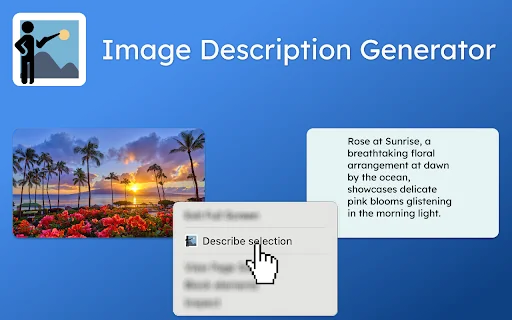

jKeywording | Stock photo keyword generator
05.0
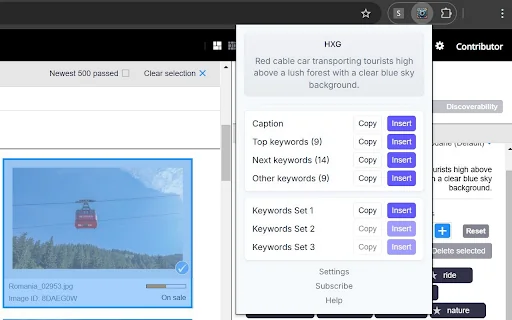
Image to Text (Using AI)
Jorvi
05.0

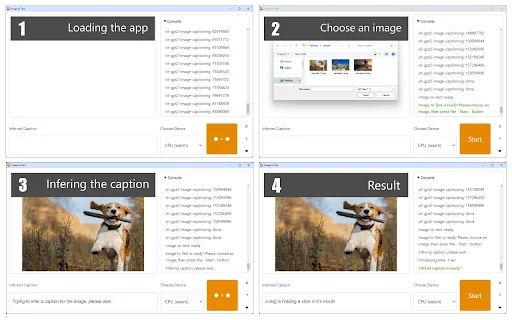
Images Alt Text Generator

GEDIMINAS BUBLIAUSKAS
🇱🇹Lithuania
05.0
Candy Embed
Add a website badge to show your product on Hootool—help others find the right AI tool for their problem. Easy to place on your homepage or footer.