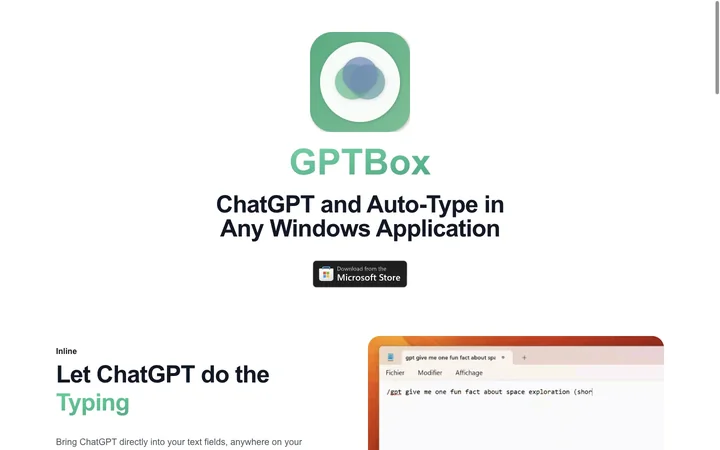


GPTBox

GPTBox

5|0 reviews|0 favorites
Visit website
Introduction
ChatGPT and DeepSeek integrated in Windows Taskbar for AI assistance in any application.
Listed on
July 23, 2026

What is GPTBox?

GPTBox is a Windows application that integrates ChatGPT and DeepSeek directly into the Windows taskbar and any text field. It allows users to access AI assistance globally via keyboard shortcuts and use inline typing to generate content in any application. The tool is designed for developers, writers, and professionals to enhance productivity without switching between browser tabs.

How to use GPTBox?

  • Download GPTBox from the Microsoft Store and install it on Windows 10 or 11. Obtain an OpenAI API key or DeepSeek API key from their respective platforms. Open GPTBox settings, select your AI provider, and paste your API key. Use the keyboard shortcut to bring up the AI dialog or use inline typing in any text field.

Core features of GPTBox

  • Inline AI typing in any Windows text field
  • Global ChatGPT access via keyboard shortcut
  • Supports multiple AI models including ChatGPT and DeepSeek
  • Customizable keyboard shortcuts
  • Deep system integration with Windows taskbar
  • Works in Word, Outlook, browsers, and coding environments

User reviews

5.0

/ 5

0 reviews

5 stars
0
4 stars
0
3 stars
0
2 stars
0
1 stars
0

No reviews yet. Be the first to write one.

Similar products

GPTBox Embed

Add a website badge to show your product on Hootool—help others find the right AI tool for their problem. Easy to place on your homepage or footer.


Featured on

Hootool.ai

