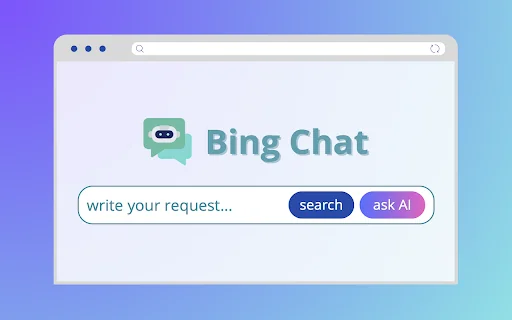


Bing Chat

Bing Chat

5|0 reviews|0 favorites
Visit website
Introduction
Chat with an AI bot using Bing Chat. You can search on Bing or ask the Copilot AI chatbot for assistance on a new browser tab.
Listed on
July 22, 2026

What is Bing Chat?

Bing Chat is a free Chrome browser extension that integrates Bing search and the Copilot AI chatbot into new tabs. Users can use it without registration to quickly obtain information, generate images, get suggestions, and more. The extension aims to provide a convenient AI assistant experience while retaining the functionality of a traditional search engine.

How to use Bing Chat?

  • After installing the extension, open a new tab in Chrome (using Cmd+T or Ctrl+T shortcut). Type any question or request in the search bar, then choose to get a reply from the AI chatbot GPT or from Bing search results. Depending on your choice, you will receive a response from the discovery page or the Copilot chatbot.

Core features of Bing Chat

  • Integrates Bing search and Copilot AI chatbot in new tabs
  • Free to use, no registration or subscription required
  • Supports multiple tasks: answering questions, providing suggestions, generating images, creative assistance, and more
  • Quick access to AI assistant, one-click switch between chat and browsing
  • Provides accurate and relevant responses based on Microsoft Bing search technology

User reviews

5.0

/ 5

0 reviews

5 stars
0
4 stars
0
3 stars
0
2 stars
0
1 stars
0

No reviews yet. Be the first to write one.

Similar products

Bing Chat Embed

Add a website badge to show your product on Hootool—help others find the right AI tool for their problem. Easy to place on your homepage or footer.


Featured on

Hootool.ai