
Liso
5|0 reviews|0 favorites
Introduction
Turn anything you read on the internet into audio you can listen to instantly.
Listed on
August 26, 2026

What is Liso?
Liso is a browser extension and web app that converts any text you highlight on the internet—articles, newsletters, blog posts, threads, and more—into natural-sounding audio. It acts like a personal audiobook built from your own reading list, letting you listen to content instead of reading it. The service supports offline downloads, playback speed control, and works across multiple platforms.
How to use Liso?
- Install the Liso Chrome extension from the Chrome Web Store, then open Settings in Liso to generate a pairing code and paste it into the extension popup to link your account. On any page, select text, right-click, and choose 'Listen with Liso' to send it to your library. Alternatively, paste text directly into the app. Press play to hear it read back with natural AI voices, adjust speed from 0.75x to 2x, and download for offline listening.
Core features of Liso
- Highlight any text on any website and turn it into audio
- One-click Chrome extension with right-click 'Listen with Liso'
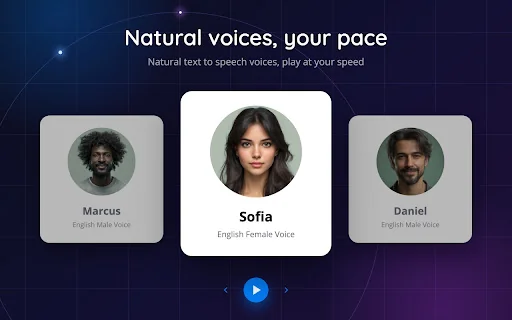
- High-quality AI voices with multiple styles
- Playback speed control from 0.75x to 2x with auto-resume
- Offline downloads for listening without internet
- Library organization with folders
- Free tier with 5 listens per month
User reviews
5.0
/ 50 reviews
5 stars
0
4 stars
0
3 stars
0
2 stars
0
1 stars
0
No reviews yet. Be the first to write one.
Similar products

Prossess LLC
05.0

2026 Voice AI Inc.
05.0
ByteBlocks, LLC
🇺🇸United States
05.0
Read Aloud TTS: 文字转语音 — Text to Speech
05.0
Liso Embed
Add a website badge to show your product on Hootool—help others find the right AI tool for their problem. Easy to place on your homepage or footer.