
FireCut
5|0 reviews|0 favorites
Introduction
FireCut is an AI video editing plugin for Premiere Pro and DaVinci Resolve that automates silence removal, captions, zoom cuts, and more.
Listed on
July 22, 2026
What is FireCut?
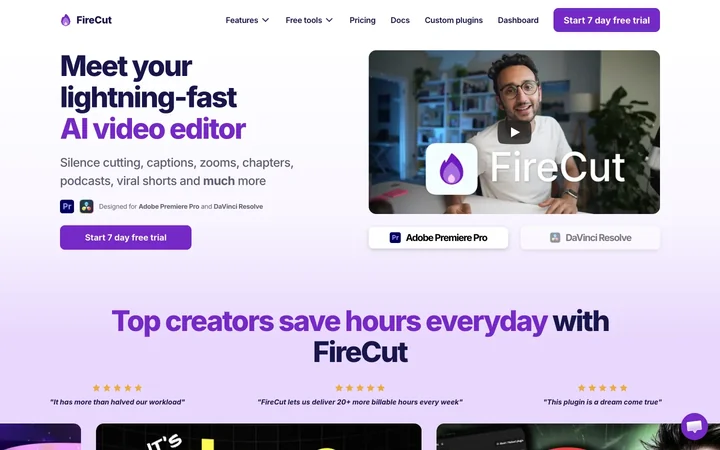
FireCut is an AI-powered video editing plugin that runs inside Adobe Premiere Pro and DaVinci Resolve. It automates time-consuming editing tasks such as silence removal, filler word removal, caption generation, zoom cuts, chapter detection, and podcast editing. It also offers a browser-based tool called FireCut Shorts for creating short-form videos.
How to use FireCut?
- Install the FireCut plugin in Adobe Premiere Pro (2022+) or DaVinci Resolve. Open the FireCut panel, select a feature like 'Remove silences' or 'Add captions', adjust settings as needed, and click 'Go!' or 'Analyze' to let the AI process your timeline. Review and fine-tune results directly in your editing software.
Core features of FireCut
- One-click silence removal with advanced mode (threshold, padding, J-cuts)
- Filler word and repetition detection and removal
- Profanity detection with mute or bleep options
- Auto-generated animated captions in 50+ languages
- Automated zoom cuts and chapter detection
- Podcast auto-editing with camera switching
- AI voiceover generation and B-roll suggestions
User reviews
5.0
/ 50 reviews
5 stars
0
4 stars
0
3 stars
0
2 stars
0
1 stars
0
No reviews yet. Be the first to write one.
Similar products







FireCut Embed
Add a website badge to show your product on Hootool—help others find the right AI tool for their problem. Easy to place on your homepage or footer.