Editaimg

Editaimg

5|0 reviews|0 favorites
Visit website
Introduction
AI Image Editor online: remove backgrounds, upscale photos, edit text & retouch faces — free to start, no sign-up needed.
Listed on
July 23, 2026

What is Editaimg?

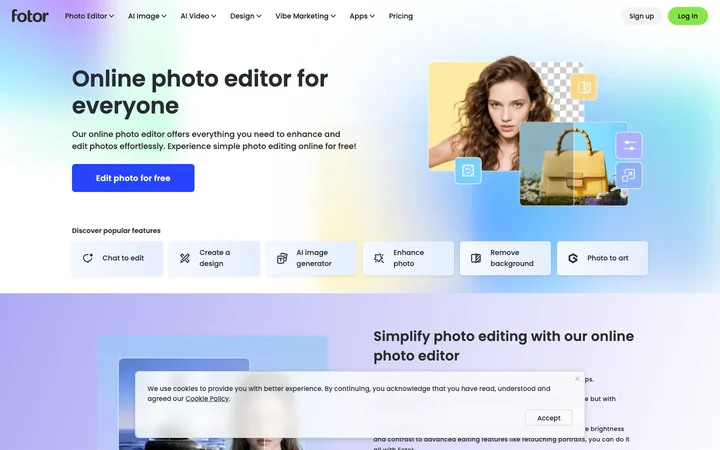
Editaimg is an AI-powered image editor that runs in the browser. It offers a suite of tools for tasks like background removal, image upscaling, object replacement, text editing, and face retouching. The platform is designed to make professional-level photo editing accessible to everyone without requiring design skills or software installation.

How to use Editaimg?

  • To use Editaimg, upload an image by dragging and dropping it or clicking to select a file. Then describe the desired edit in a prompt box, or choose a specific tool like the Image Upscaler or Jewellery Retouch. Adjust settings such as resolution, format, and aspect ratio, then click the generate or edit button to produce the result. Review the output and download it with a single click.

Core features of Editaimg

  • AI Image Editor with prompt-based editing
  • Background removal and replacement
  • Image upscaling to 1K, 2K, or 4K
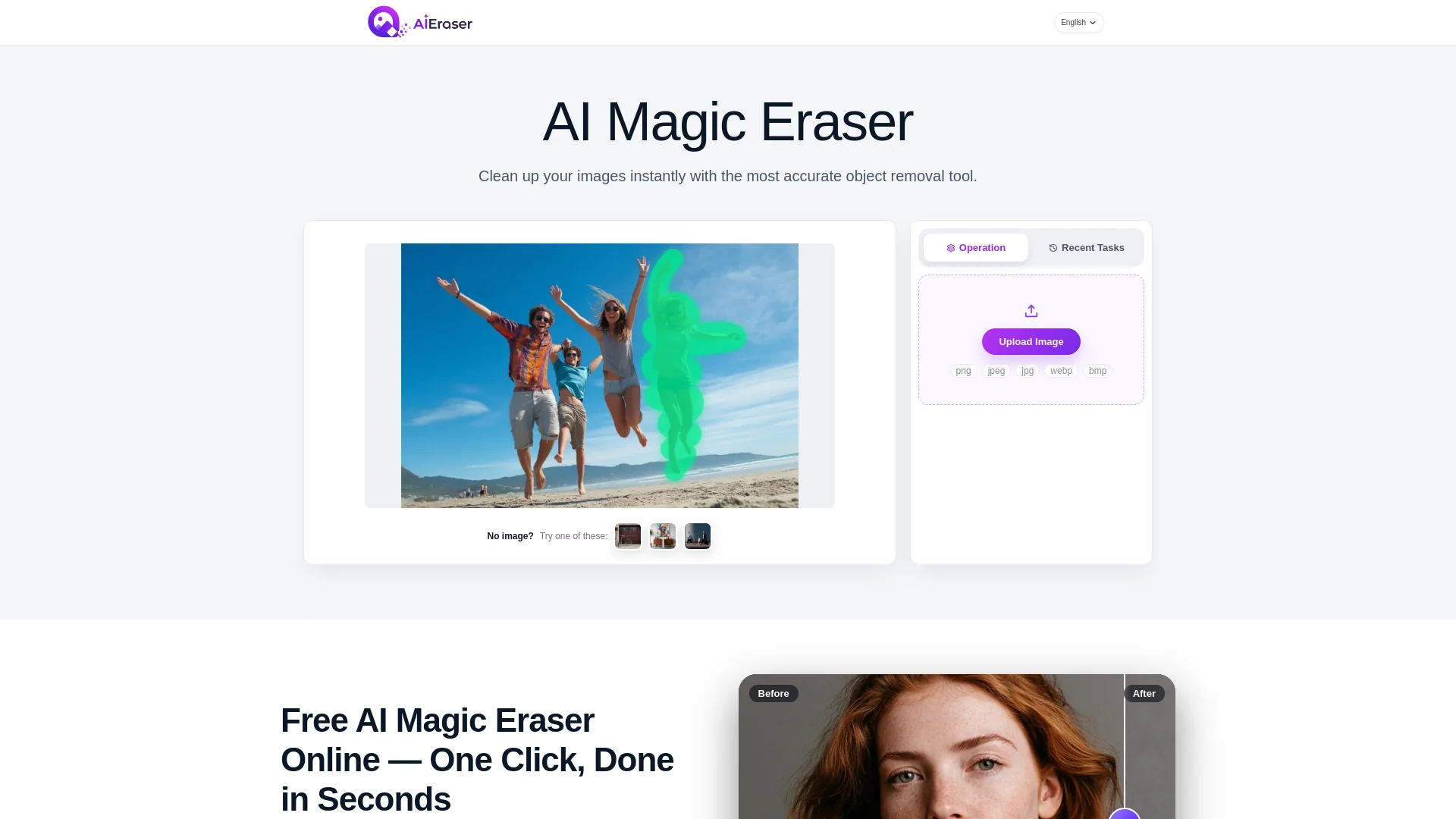
  • Object removal and replacement
  • Text editing and translation in images
  • Jewellery retouch for e-commerce
  • Face retouching (e.g., open eyes in photo)
  • Style transforms and artistic filters

User reviews

5.0

/ 5

0 reviews

5 stars
0
4 stars
0
3 stars
0
2 stars
0
1 stars
0

No reviews yet. Be the first to write one.

Similar products

Editaimg Embed

Add a website badge to show your product on Hootool—help others find the right AI tool for their problem. Easy to place on your homepage or footer.
Featured on

Hootool.ai