Google Meet Transcripts & AI Summary

Google Meet Transcripts & AI Summary

5|0 reviews|0 favorites
Visit website
Introduction
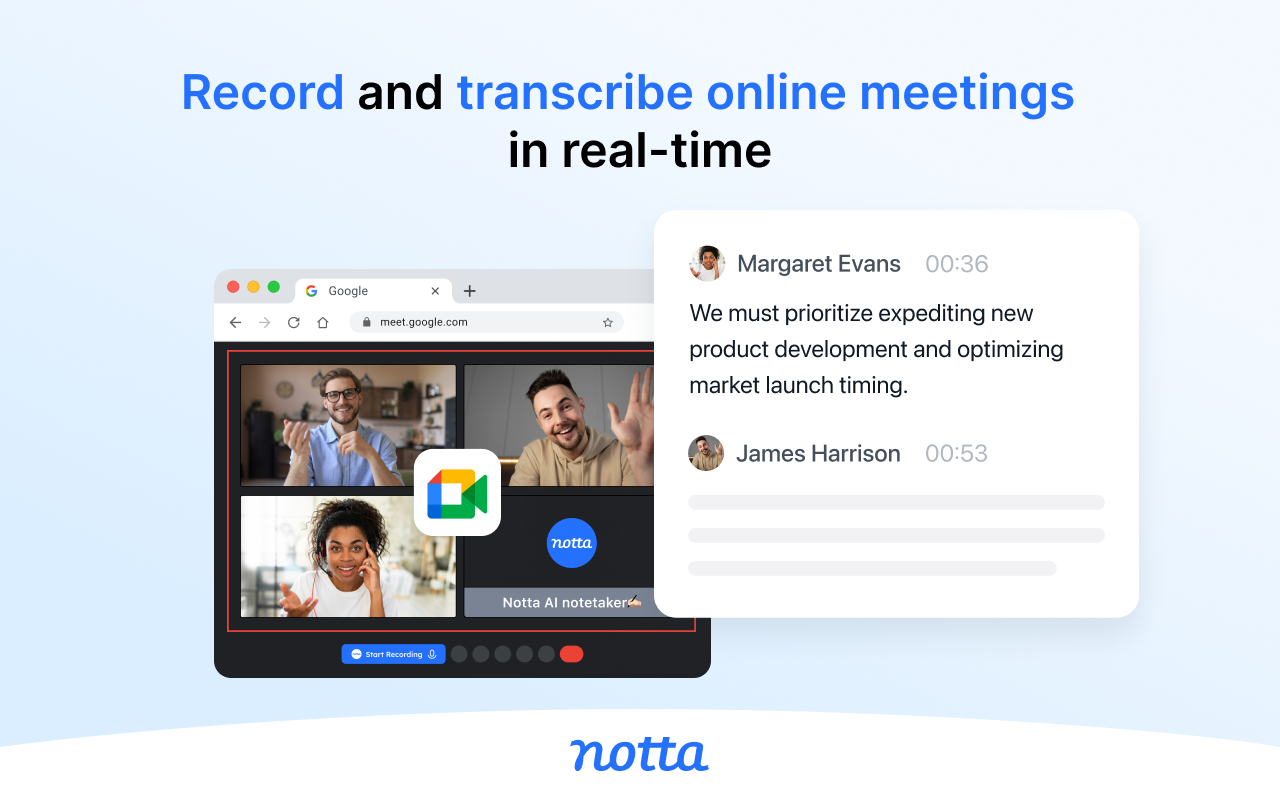
AI meeting assistant for Google Meet, providing real-time transcription, AI summaries, and insights to boost meeting productivity.
Listed on
July 23, 2026

What is Google Meet Transcripts & AI Summary?

Google Meet Transcripts & AI Summary is a Chrome extension developed by Laxis Inc, serving as an AI meeting assistant that provides real-time transcription, AI summaries, and insights for Google Meet. It supports pre-meeting preparation, in-meeting recording, and post-meeting follow-up, helping users maximize the value of their meetings.

How to use Google Meet Transcripts & AI Summary?

  • 1. Install the Laxis Chrome extension. 2. Open Google Meet in your Chrome browser. 3. Laxis will start automatically; enable captions for real-time transcription. 4. Use in-meeting highlighting and auto-scroll for a smooth experience. 5. Choose a download format, or sign up for a Laxis account to save automatically.

Core features of Google Meet Transcripts & AI Summary

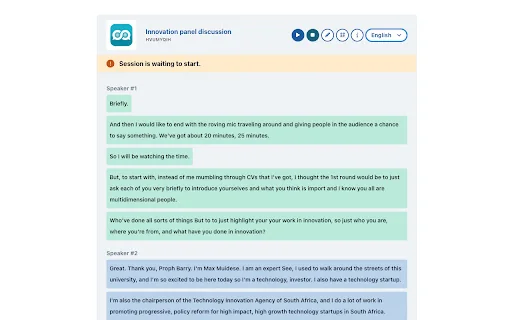
  • Real-time transcription: Provides accurate transcription as the meeting happens.
  • Speaker identification: 100% accurate speaker recognition.
  • One-click tagging: Mark important segments like "Important," "Follow-up," or "Action."
  • Flexible saving: Auto-save to Laxis cloud, or download as Word, PDF, or TXT.
  • LaxisChat: ChatGPT-style chatbot to answer meeting-related questions.
  • AI-enhanced editor and smart summaries: Quickly summarize and edit action items, key points, and more.
  • AI writer: Turn conversations into engaging content with one click.
  • Advanced search: Easily retrieve information across all meetings.

User reviews

5.0

/ 5

0 reviews

5 stars
0
4 stars
0
3 stars
0
2 stars
0
1 stars
0

No reviews yet. Be the first to write one.

Similar products

Google Meet Transcripts & AI Summary Embed

Add a website badge to show your product on Hootool—help others find the right AI tool for their problem. Easy to place on your homepage or footer.

Featured on

Hootool.ai