
https://www.circlecropimage.io/
5|0 reviews|0 favorites
Introduction
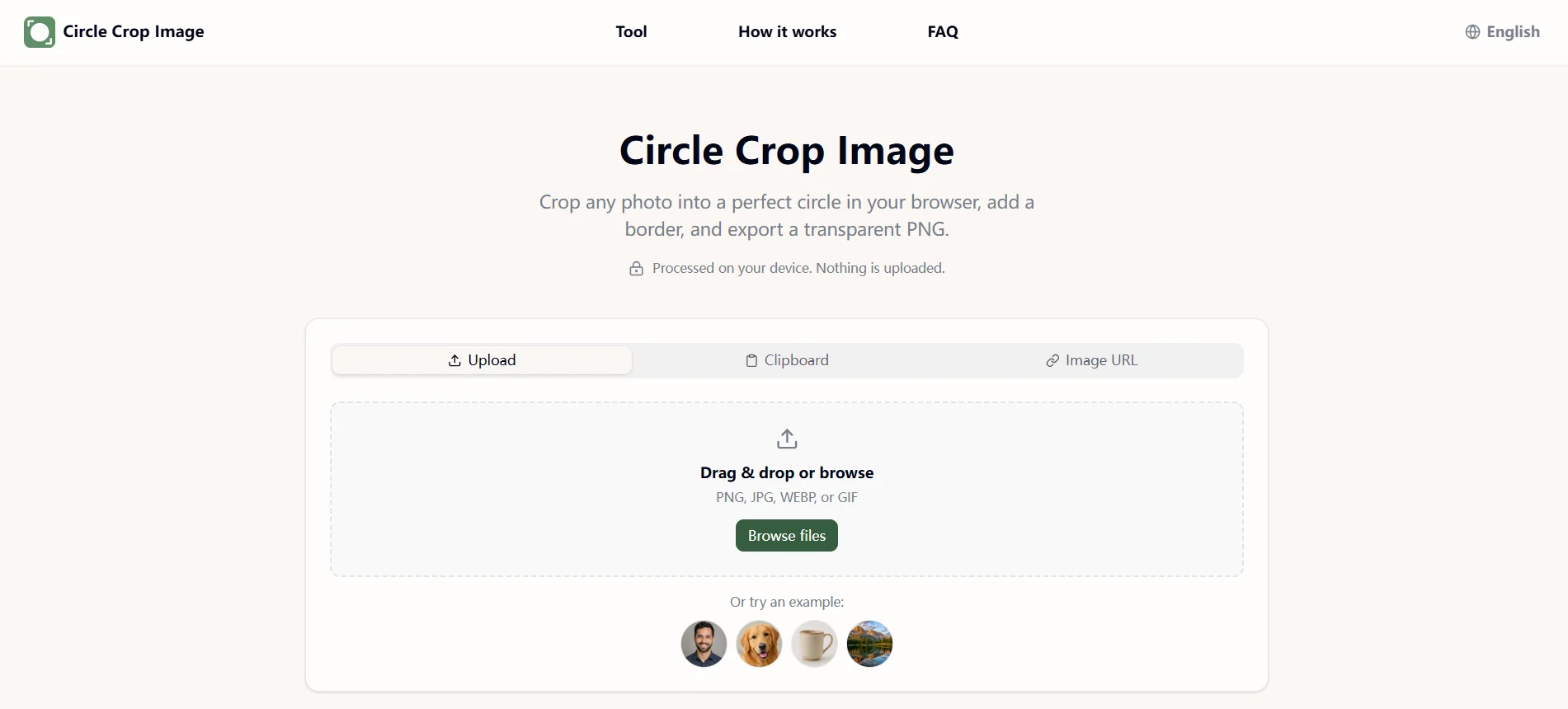
Free browser-based circle cropper that turns any photo into a round image with transparent PNG export.
Listed on
September 11, 2026
What is https://www.circlecropimage.io/?
Circle Crop Image is a free online tool that crops any photo into a perfect circle or oval directly in the browser. It runs entirely client-side using the canvas element, so images are never uploaded to a server. Users can add borders, padding, and backgrounds, then export transparent PNG, WEBP, or JPEG files.
How to use https://www.circlecropimage.io/?
- 1. Upload a photo from your device, drag and drop it, paste from clipboard, or enter an image URL (or try an example photo).
- 2. Drag to position the photo, then adjust shape (circle or oval), zoom, rotation, border, padding, and background until the live preview looks right.
- 3. Pick a size preset (Discord, LinkedIn, YouTube, favicon) or type a custom pixel size, choose PNG, WEBP, or JPEG, then download the result or copy it to your clipboard.
Core features of https://www.circlecropimage.io/
- Runs fully in the browser; photos are never uploaded to a server
- Circle or oval crop with shared drag, zoom, and styling controls
- Border, padding, and solid/gradient/custom background options with live preview
- Built-in size presets for Discord, LinkedIn, YouTube, and website favicons, plus custom pixel sizes
- Export as transparent PNG, WEBP, or JPEG
- Batch queue to apply the same shape, border, and background to multiple photos
- No signup, no watermark
User reviews
5.0
/ 50 reviews
5 stars
0
4 stars
0
3 stars
0
2 stars
0
1 stars
0
No reviews yet. Be the first to write one.
Similar products






https://www.circlecropimage.io/ Embed
Add a website badge to show your product on Hootool—help others find the right AI tool for their problem. Easy to place on your homepage or footer.