
Blur Image

Blur Image

5|0 reviews|0 favorites
Visit website
Introduction
Free browser-based tool to blur, pixelate, or blur the background of photos with eight blur styles and no uploads.
Listed on
September 11, 2026

What is Blur Image?

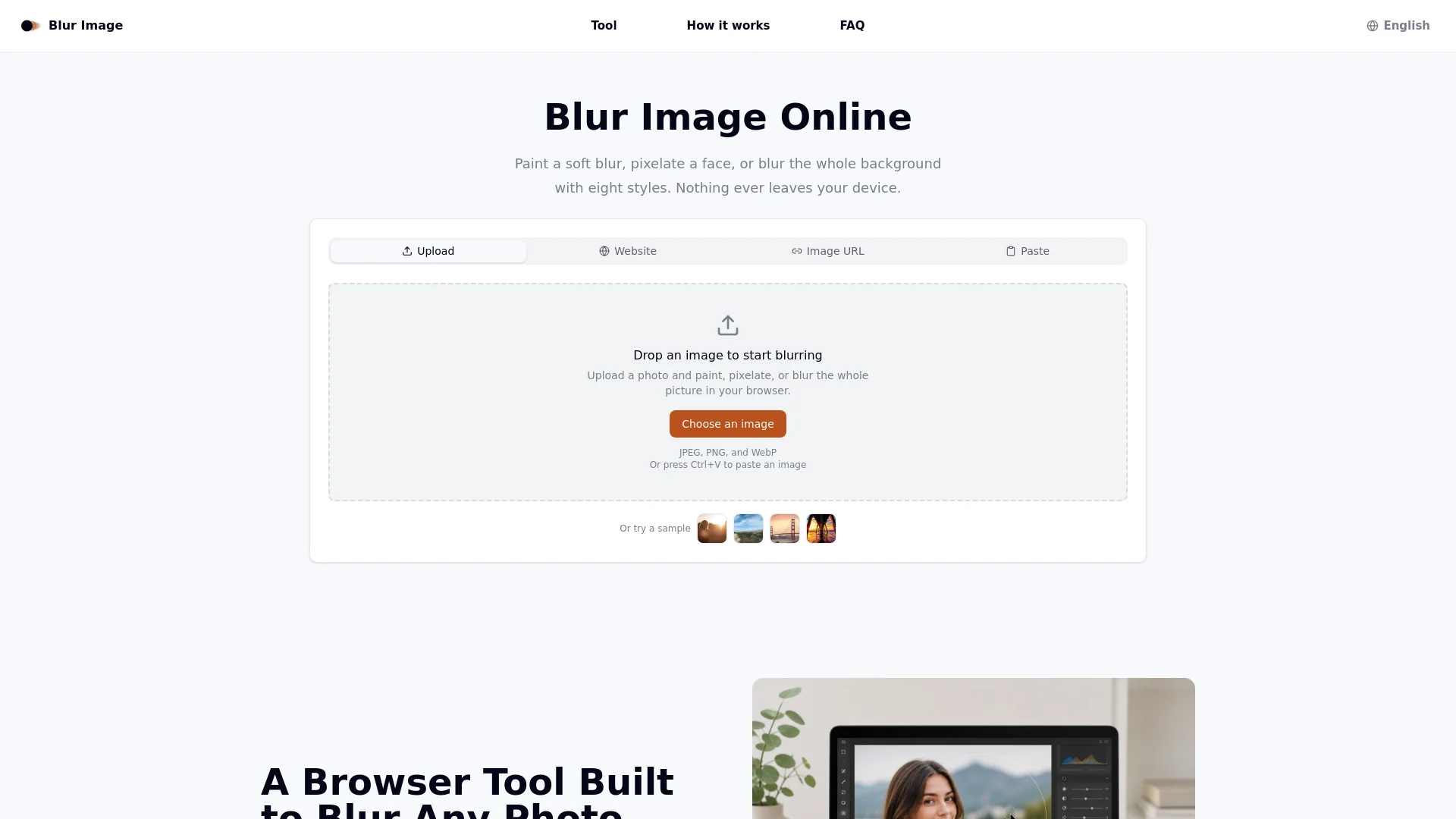
Blur Image is a free, browser-based photo editing tool for blurring and pixelating images. It runs entirely as canvas code in your browser tab, so photos never leave your device. Users can apply eight blur styles, paint blur selectively with a brush, or blur the whole background in one click, then export as PNG, JPG, or WebP.

How to use Blur Image?

  • 1. Add your photo by dragging a file in, clicking to browse, pasting from clipboard (Ctrl+V), or dropping in an image URL. 2. Pick one of eight blur styles and paint the area you want blurred, or apply it to the whole photo in one click. 3. Download the result as PNG, JPG, or WebP. No account, download, or watermark required.

Core features of Blur Image

  • Eight blur styles including gaussian, motion, radial, pixelate, noise, stack, and soften
  • Selective brush painting with adjustable size and strength
  • Invert mode for one-click blur background effect
  • Undo, clear, and reselect without starting over
  • Export as PNG, JPG, or WebP in one click
  • No uploads: all processing stays local on your device
  • Works on desktop and mobile browsers
  • No account, no watermark, no server queue

User reviews

5.0

/ 5

0 reviews

5 stars
0
4 stars
0
3 stars
0
2 stars
0
1 stars
0

No reviews yet. Be the first to write one.

Similar products

Blur Image Embed

Add a website badge to show your product on Hootool—help others find the right AI tool for their problem. Easy to place on your homepage or footer.
Featured on

Hootool.ai