
AppLaunchFlow
5|0 reviews|0 favorites
Introduction
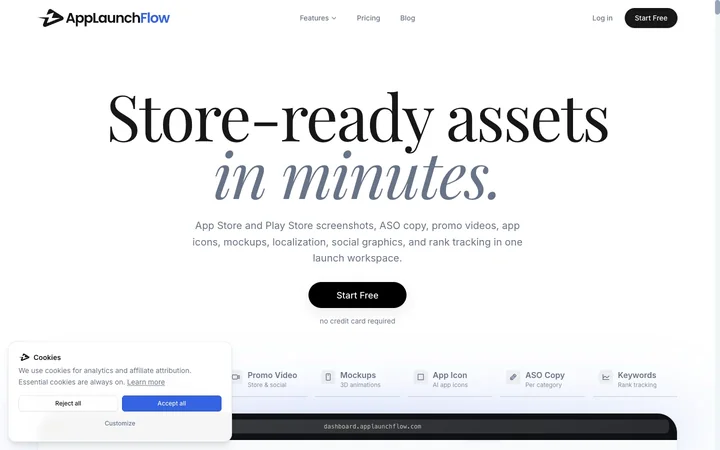
AppLaunchFlow helps teams launch store-ready assets faster: screenshots, ASO copy, promo videos, icons, social graphics, translations, and keyword tracking in one workspace.
Listed on
July 22, 2026
What is AppLaunchFlow?
AppLaunchFlow is an all-in-one launch asset, ASO, and store-handoff workspace for iOS and Android teams. It creates App Store and Google Play screenshots, Icon Composer concepts, promo videos, app mockups, ASO copy, localized store assets, social graphics, keyword tracking, and store publishing workflows. The product is designed to automate repetitive launch tasks and bring everything into one place, allowing developers to focus on building their apps.
How to use AppLaunchFlow?
- Start by uploading raw app screenshots and basic app context. Review AI-generated copy and layouts, tweaking headlines, styles, and screenshot order in the visual editor. Export all required screenshot sizes for App Store and Play Store, ready to publish. The platform also supports creating promo videos, social graphics, app icons, and ASO copy from the same editor.
Core features of AppLaunchFlow
- Screenshot Editor with AI-generated layouts and 3D device frames
- ASO Copy Generator with competitor analysis and per-field insights
- Promo Video creation with AI storyboard and cinematic motion presets
- Social Media Graphics for LinkedIn, X, OG, Instagram, and Play Store
- Icon Composer for AI-generated app icon concepts
- Localization into 25+ App Store languages
- Keyword tracking and store handoff to App Store Connect and Google Play
- MCP integration for AI coding assistants
User reviews
5.0
/ 50 reviews
5 stars
0
4 stars
0
3 stars
0
2 stars
0
1 stars
0
No reviews yet. Be the first to write one.
Similar products



Depositphotos AI image generator

DepositPhotos
05.0


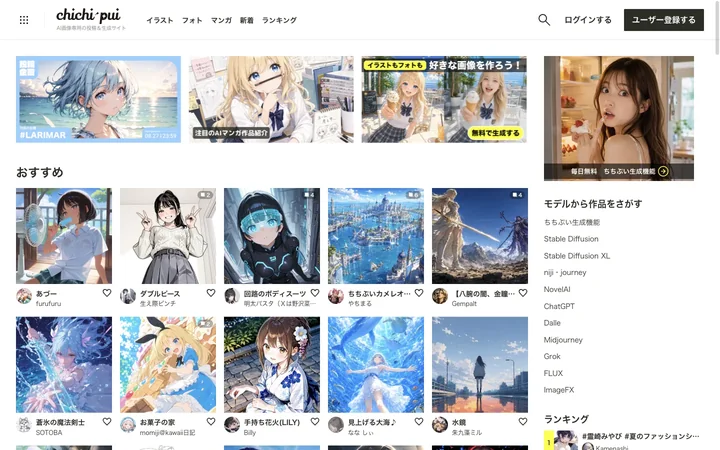
chichi-pui(ちちぷい)| AI画像専用の投稿&生成サイト
🇯🇵Japan
05.0
AppLaunchFlow Embed
Add a website badge to show your product on Hootool—help others find the right AI tool for their problem. Easy to place on your homepage or footer.