Description Generator

Description Generator

5|0 reviews|0 favorites
Visit website
Introduction
A web extension that generates and suggests descriptions for Alation objects.
Listed on
July 22, 2026

What is Description Generator?

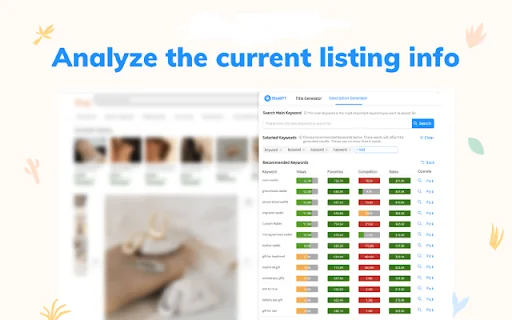
Description Generator is a Chrome browser extension that uses ChatGPT to automatically generate descriptions for Alation catalog objects such as schemas, tables, columns, terms, policies, and queries. It aims to reduce the tedious work of manually describing important data assets, making it easier for users to contribute to the catalog. The extension works with both Alation on-prem and managed cloud configurations.

How to use Description Generator?

  • 1. Download and load the unpacked extension using the Chrome browser Manage Extension feature. 2. Pin the extension using the Chrome browser Extension feature. 3. Use the extension options to sign up for the beta and verify your free account. 4. Add the OpenAI API key when prompted. 5. Log out and then back into the catalog or refresh an open catalog page to force it to recognize that the extension exists. 6. Navigate to any catalog schemas, tables, columns, terms, policies, or query page. 7. Click the extension icon and watch ChatGPT generate three descriptions. 8. Copy the description you like best and paste it in the catalog description.

Core features of Description Generator

  • Generates up to three sample descriptions for Alation objects
  • Works with schemas, tables, columns, terms, policies, and queries
  • Simple right-click access
  • Compatible with Google Chrome Browser
  • Supports both Alation on-prem and managed cloud configurations
  • Meets all Google Chrome Store security requirements
  • Requires a ChatGPT account and token

User reviews

5.0

/ 5

0 reviews

5 stars
0
4 stars
0
3 stars
0
2 stars
0
1 stars
0

No reviews yet. Be the first to write one.

Similar products

Description Generator Embed

Add a website badge to show your product on Hootool—help others find the right AI tool for their problem. Easy to place on your homepage or footer.

Featured on

Hootool.ai