Local install guide
Download the package
Always the latest stable build — the same code we ship to the Chrome Web Store.


Installation steps
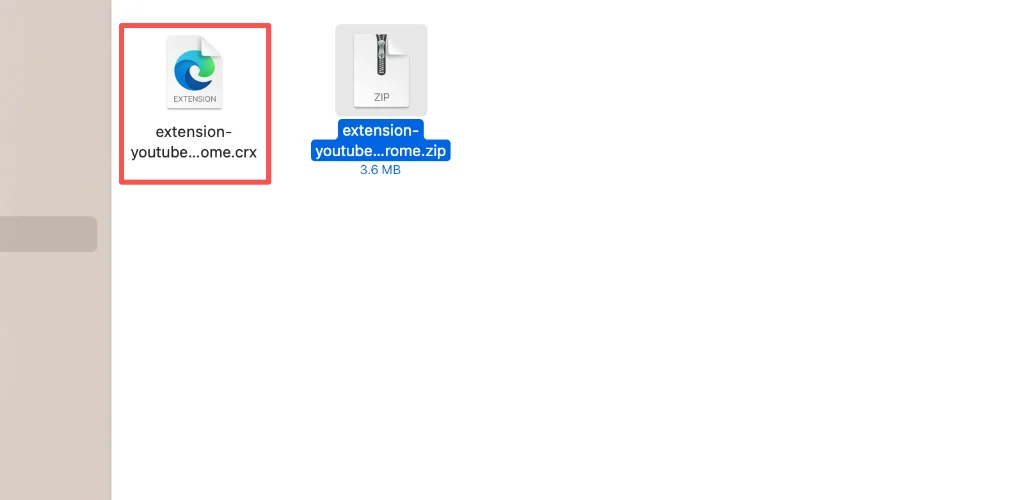
Extract the downloaded .zip — inside is the signed .crx installer.
- 1
Download the .zip for your extension above and extract it — inside is the signed .crx installer.
- 2
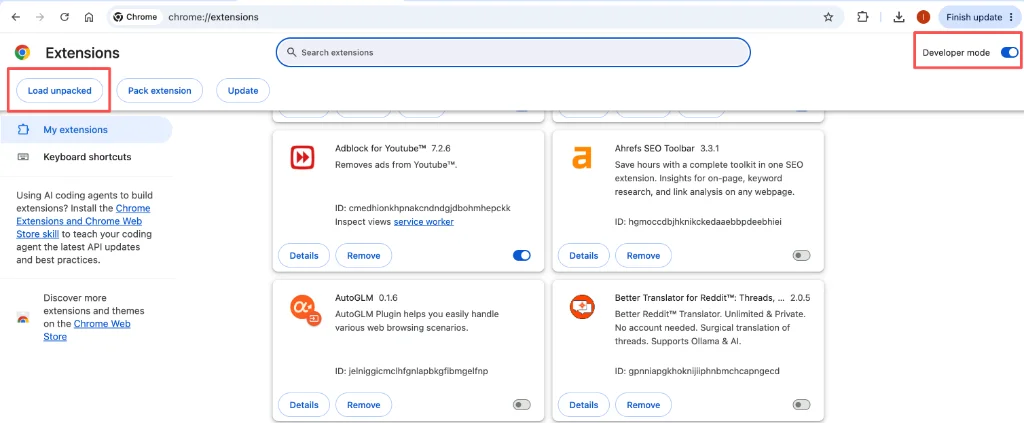
Open your browser's extensions page:
- 3
Turn on Developer mode (the toggle in the top-right corner).
- 4
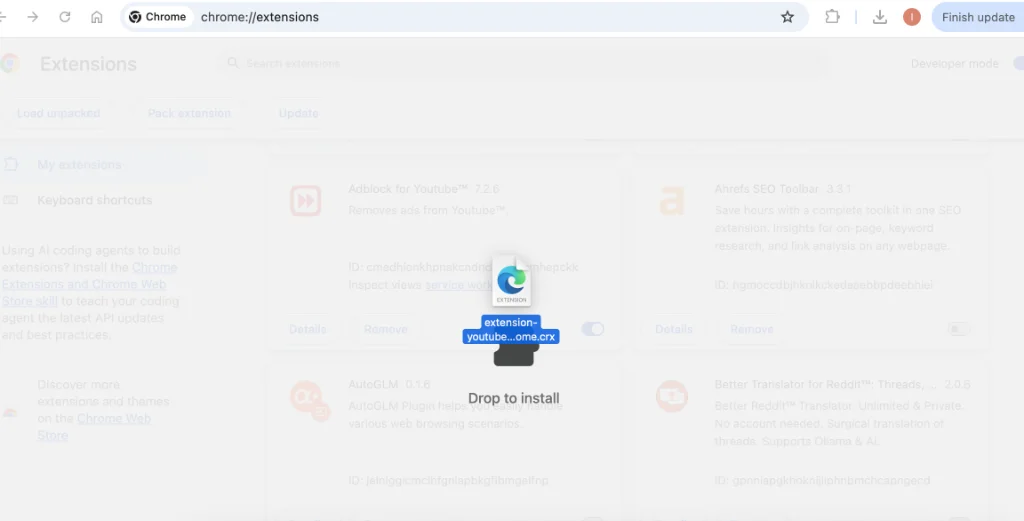
Drag the .crx onto the page. On Windows & macOS Chrome this is refused — extract the .crx as a zip instead (rename .crx → .zip, use 7-Zip or unzip), then “Load unpacked” the extracted folder.
- 5
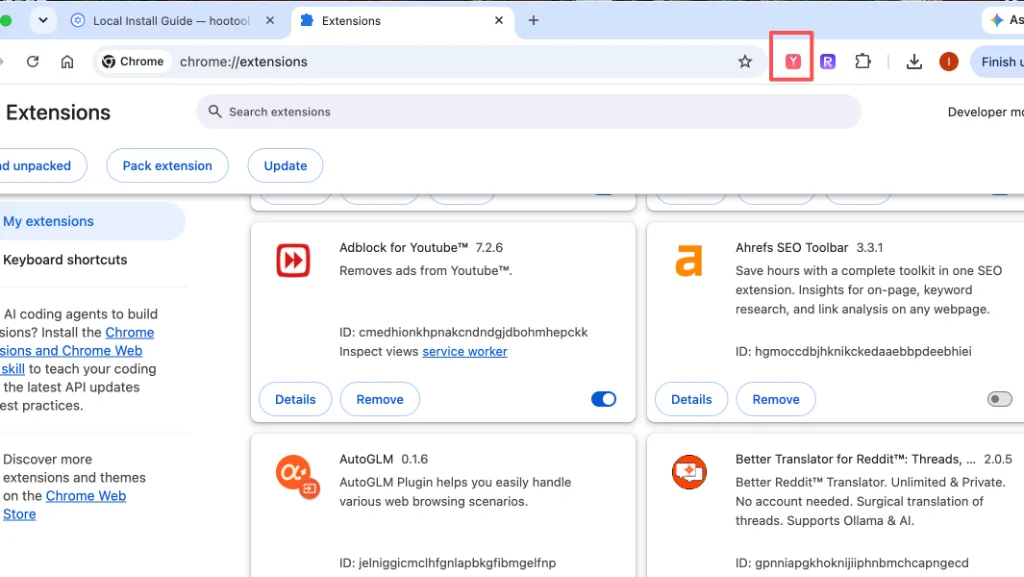
Done — the extension icon appears in your toolbar. Pin it for quick access.
Updates
Manually installed builds do not auto-update. When we ship a new version, download the latest .zip here and install over the existing one — your settings and sign-in are kept.
Prefer the store?
If the store works for you, that's the smoothest path — install buttons live on each product page.